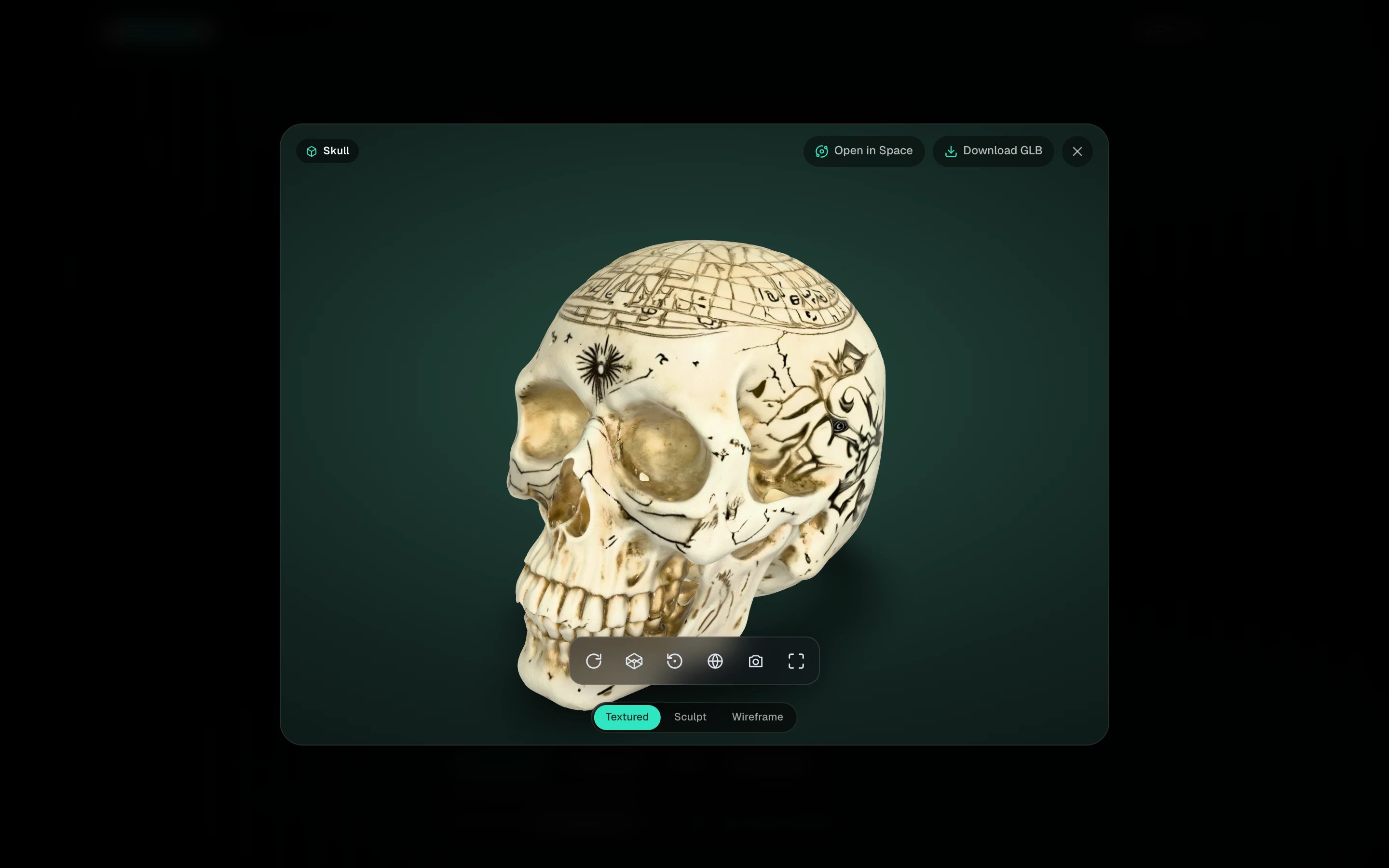
A model open in the viewer
Click any finished card in My spins to open it. The 3D file only loads when you open it, so the gallery stays fast.

Move around

The small toolbar under the model has Auto-rotate, Wireframe, Reset view, Background, Screenshot and Fullscreen.

Look at the mesh

Three pills at the bottom switch what you see.
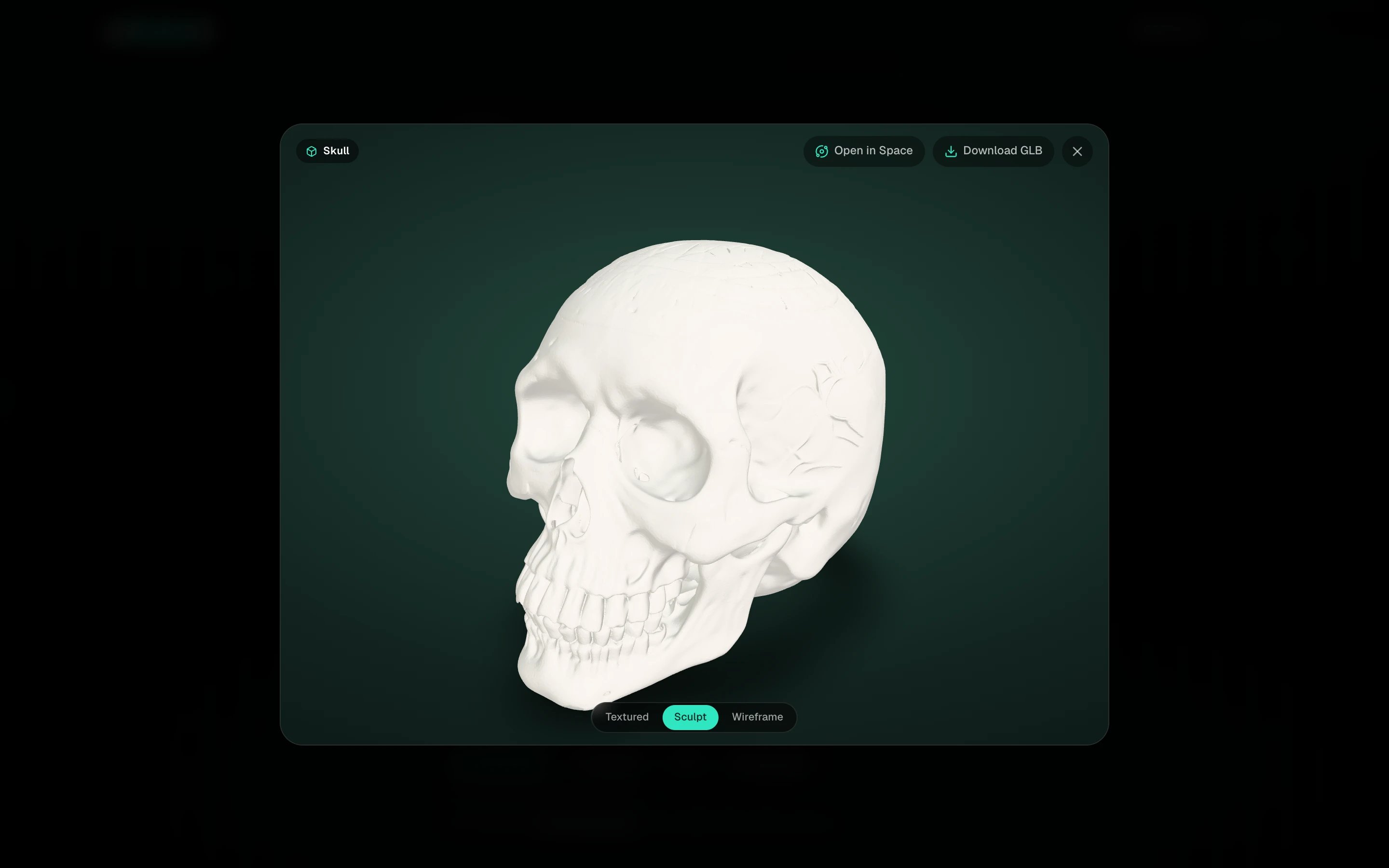
The model in Sculpt view
  • Textured, the finished model with its materials.
  • Sculpt, the bare surface in clay, to judge the shape without the texture flattering it.
  • Wireframe, the actual topology. This is where a Max clone or a retopologized model shows its clean quads.
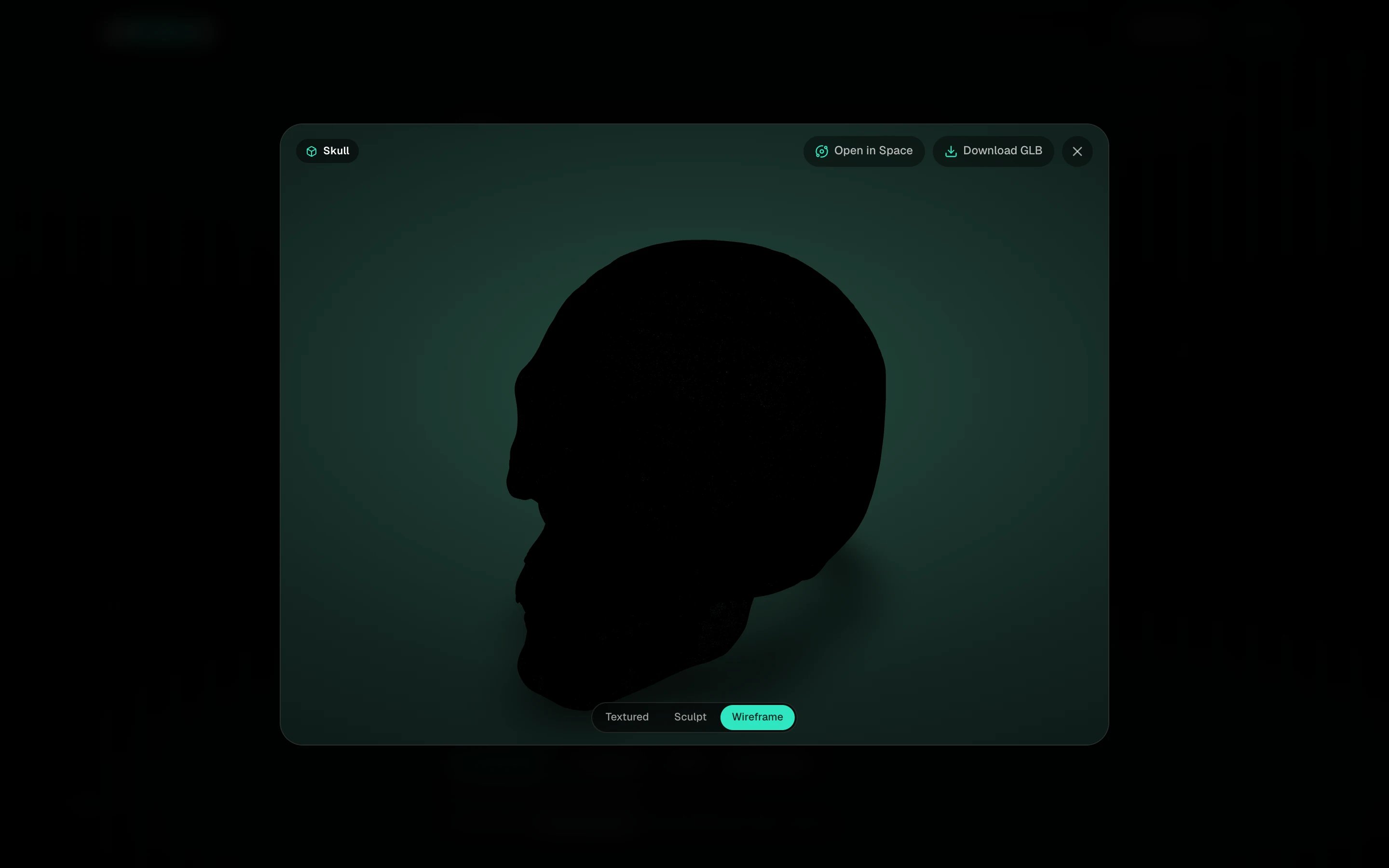
The model in Wireframe view

Actions

The top row has Open in Space, Download GLB and, on your own models, Get STL for 3D printing. The thumbnail on the left is the input the model was made from; click it to enlarge.
Wireframe on a Fast clone looks dense. That is expected, it is a high-poly reconstruction. Open it in Space and run Clean quad topology if you need editable topology.