

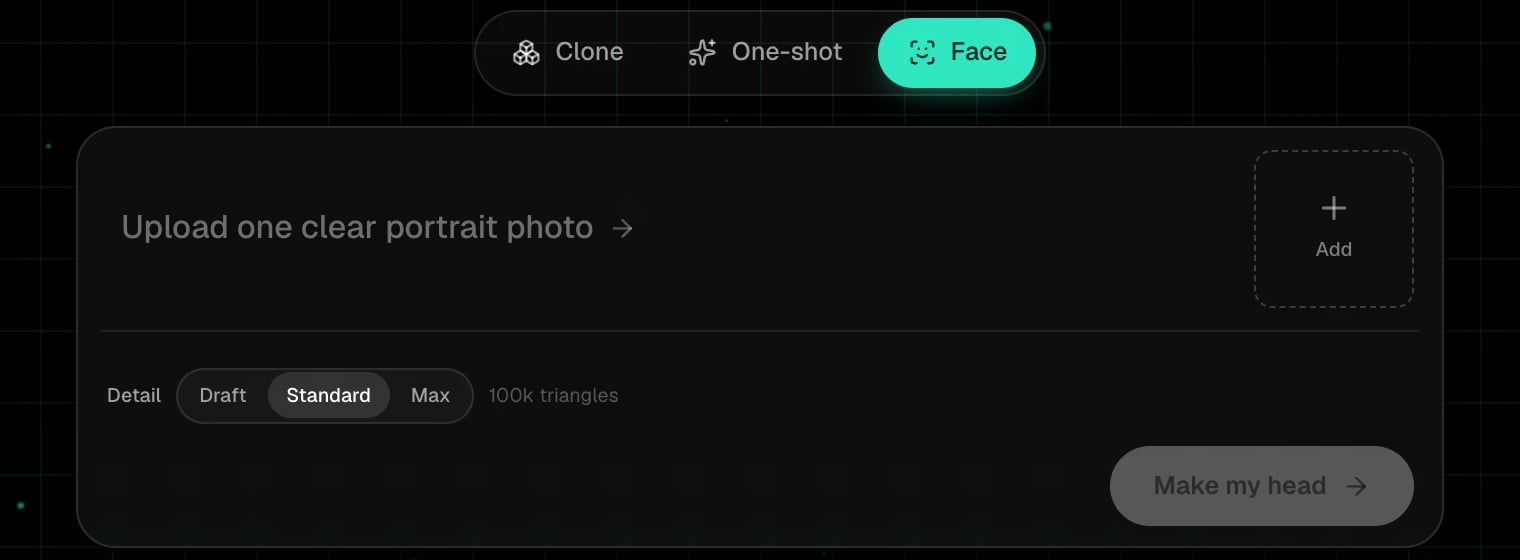
Face costs 3 credits and takes a few minutes.
1
Pick Face
On the start page, choose Face in the mode switch.
2
Add one portrait
Click Add and pick a single, front-facing photo with the whole face visible, even light, no sunglasses. The slot holds one photo; a new pick replaces it.
3
Choose the detail
Draft, Standard or Max. The number beside it is the triangle budget of the head you get back. Standard is the default and right for most uses.
4
Click Make my head
The phases are Prepare, Analyze, Mesh, Texture, Refine, Done. The card in My spins shows a 3D badge when it is finished.