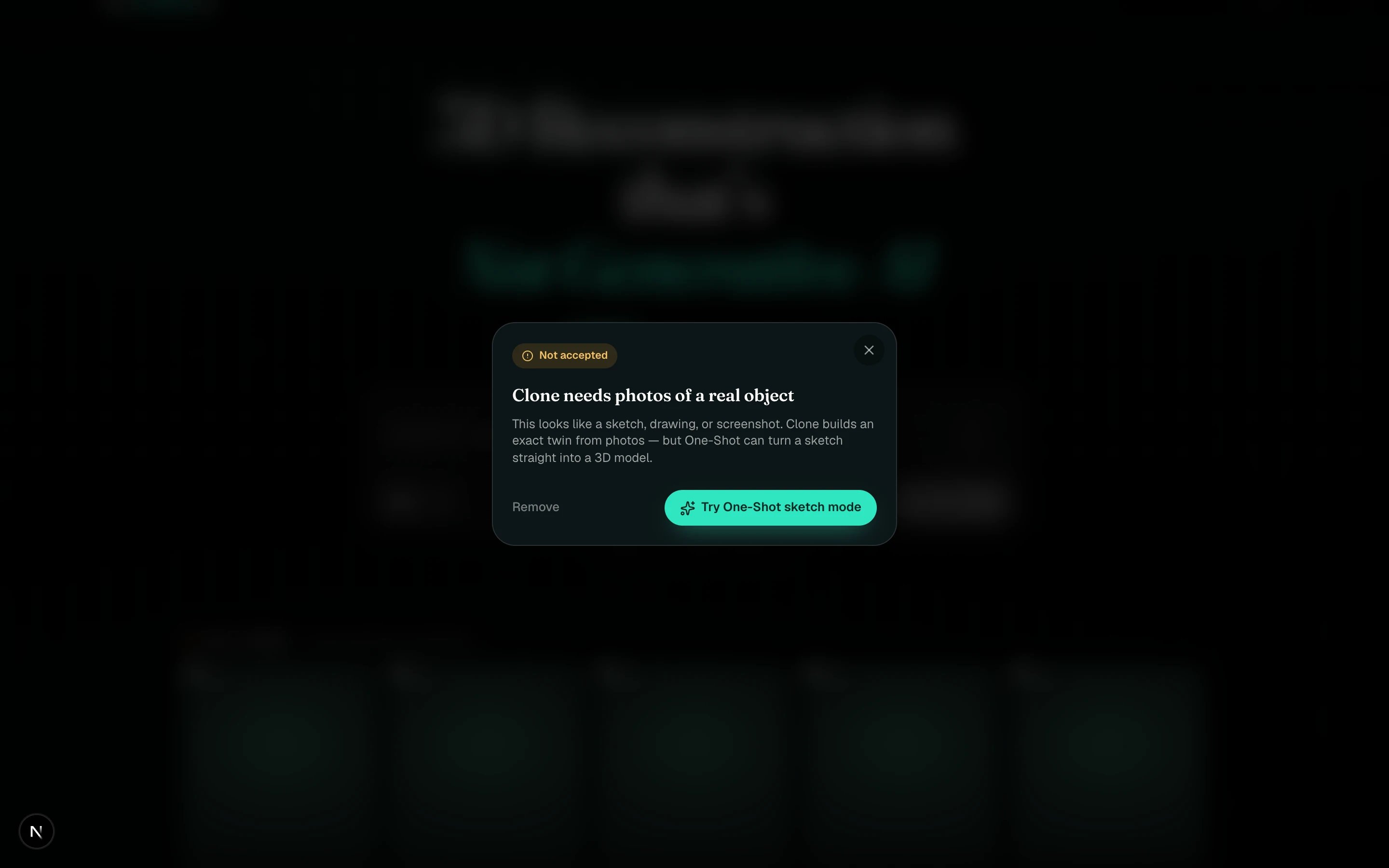
The Not accepted panel
Every upload is checked before the model is built. If the check fails, the card shows Not accepted, the panel gives a reason, and your credits come back. This is different from a job that failed, see A job failed or looks stuck.

Clone needs photos of a real object

The upload looked like a sketch, drawing, render or screenshot. Clone builds an exact twin from photos, and One-shot can turn a sketch straight into a model. Click Try One-Shot sketch mode in the panel, it switches the bar for you.

These photos were too blurry

No clear object could be made out. Retake a few sharp, well-lit angles of a single object and try again.

These didn’t look like one object

The photos seem to show different things. Every photo must show the same single object.

We couldn’t read these photos

Something was off with the files. Re-export them as JPG or PNG and try a few clear, well-lit angles.

We can’t clone this content

Explicit content is not permitted on standard accounts. If you are working on an artistic project, contact us about account verification.
Remove takes the declined card out of My spins. Two of the five reasons are fixed by Photo best practices.