

1
Open the Share menu
Hover a finished card in My spins and click the share icon in its footer. Until the model is posted, only Post is active.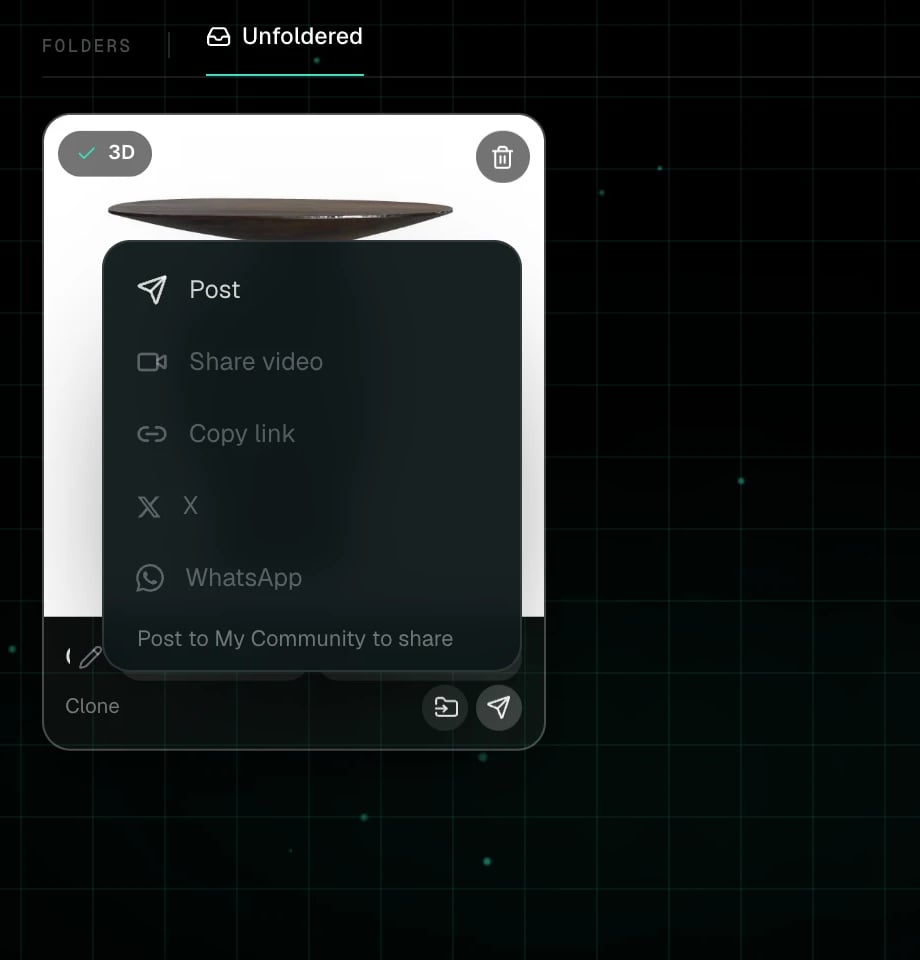
2
Claim a handle, the first time
Posts carry your name. The first time you publish you pick a handle, like
@maya, and a display name. Change the display name later from your profile.3
Choose the visibility
Post to feed puts it in My Community. Unlisted link makes a page only people with the link can open.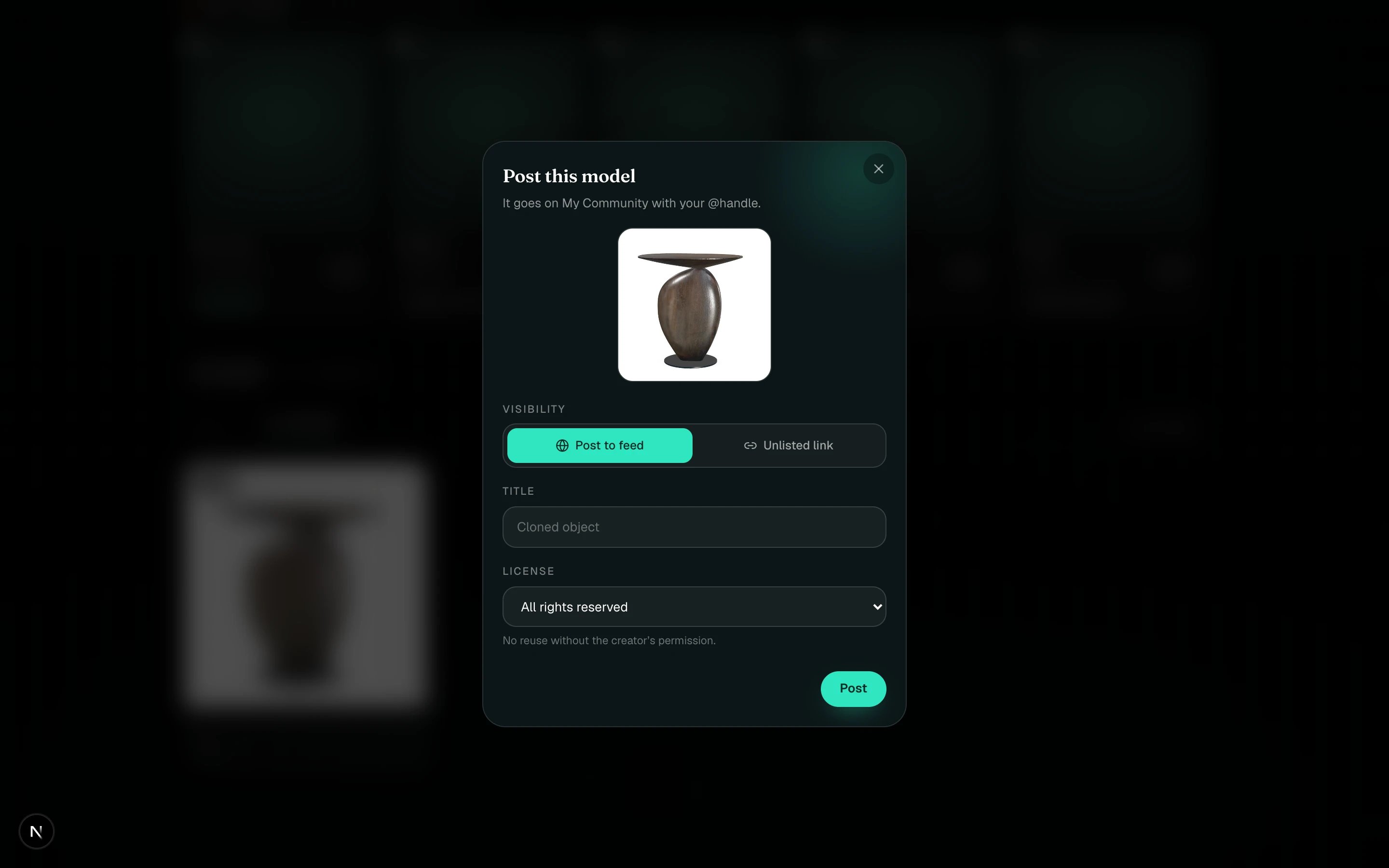
4
Title and licence
The title is prefilled from the card’s name. The licence runs from All rights reserved through the Creative Commons options to CC0; see Licences.
5
Post
You get the link straight away. The card flips to Posted, and the Share menu now offers Share video, Copy link, X and WhatsApp.
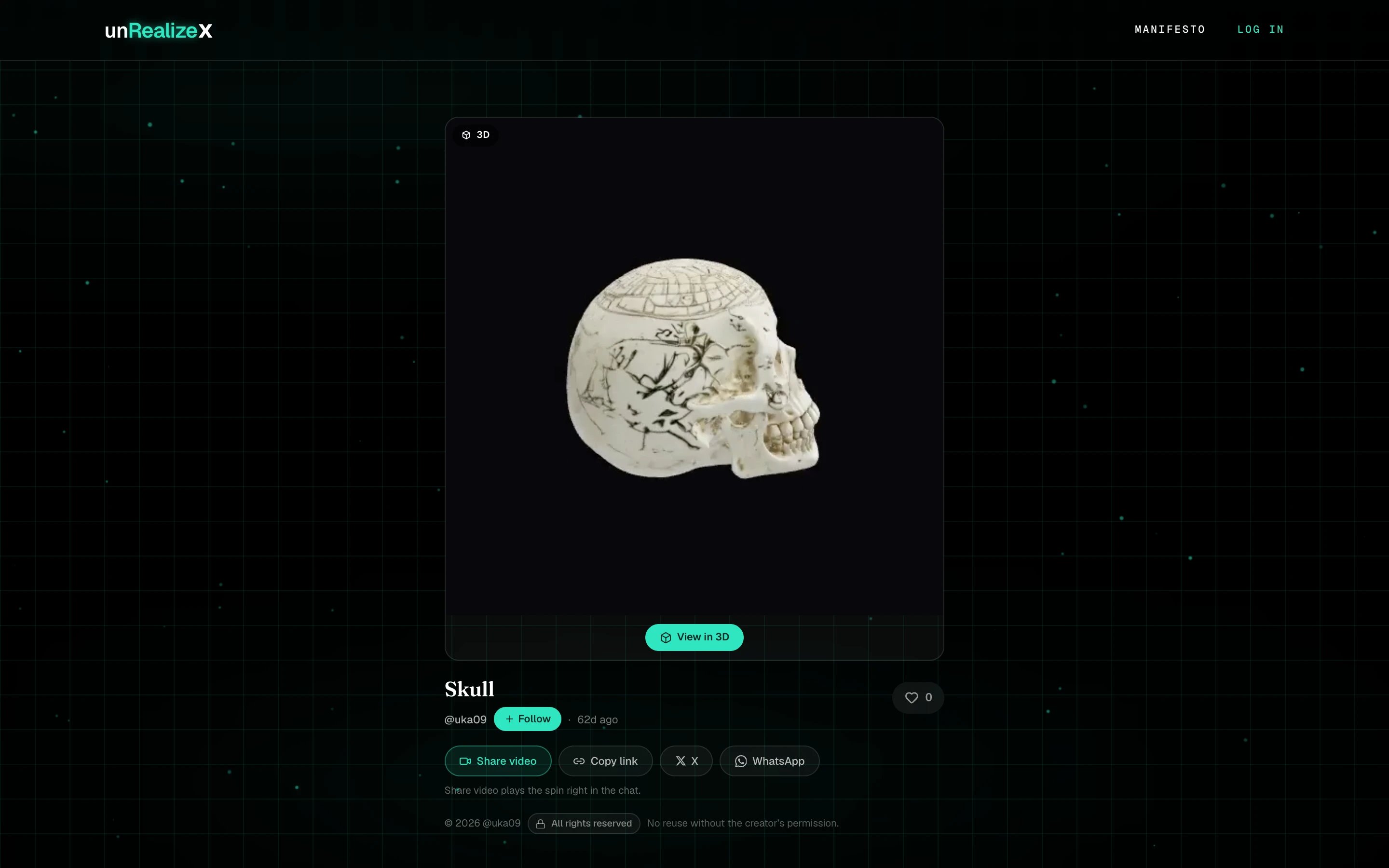
A published page: turntable, View in 3D, follow, like, share, and the licence.
Who owns what I publish?
Who owns what I publish?
You do. Every output is faithful to your input, so the IP stays with you. The licence tells other people what they may do with it.
Can I take it down?
Can I take it down?
Yes. Open the Share menu on the card again to change the visibility or unpublish. Deleting the model also asks whether to take the post down.