> ## Documentation Index
> Fetch the complete documentation index at: https://help.unrealizex.com/llms.txt
> Use this file to discover all available pages before exploring further.
# Use with Claude or ChatGPT
> Make models from a conversation with the UnrealizeX connector
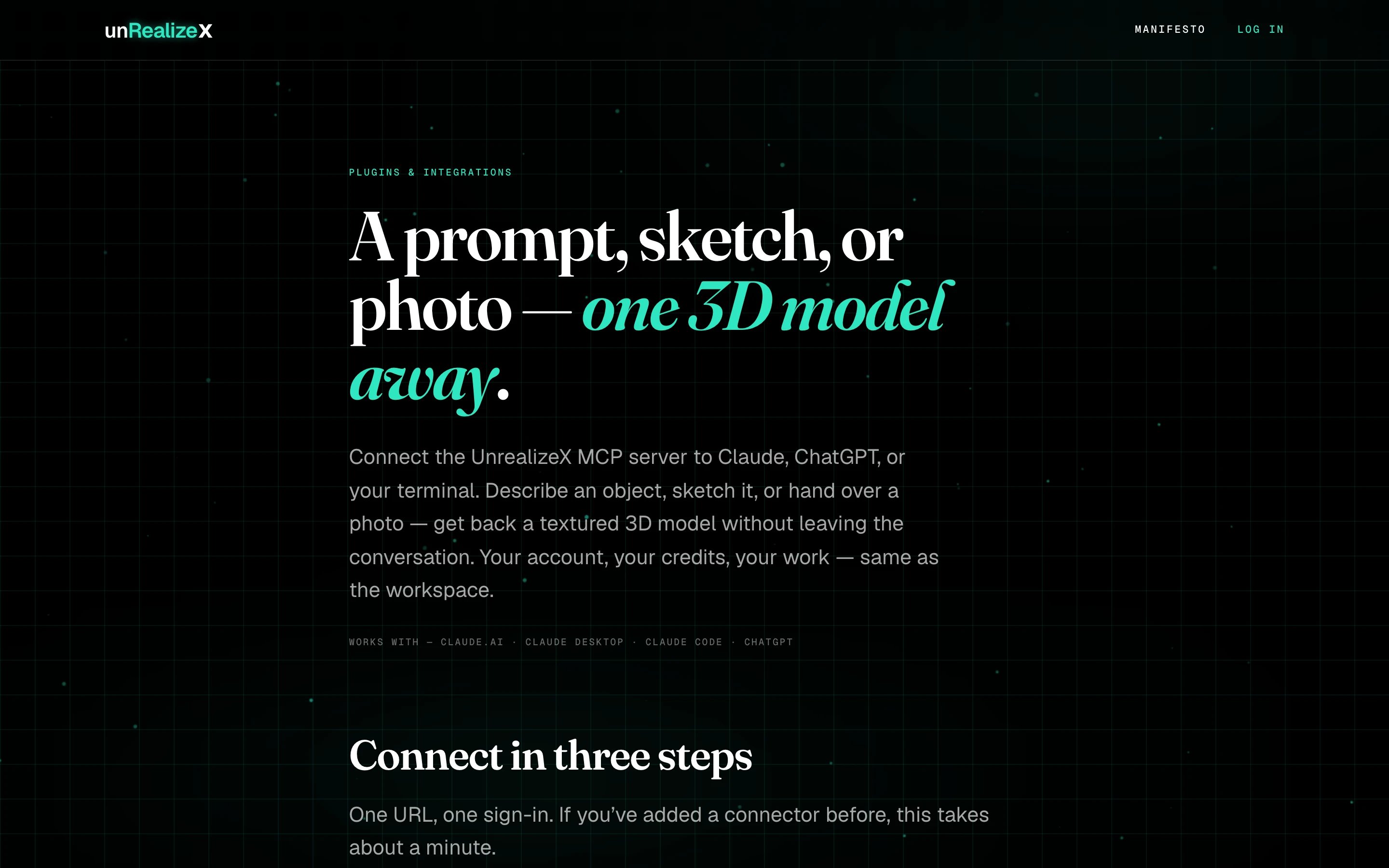 UnrealizeX runs a standard MCP server. Connect it to Claude, ChatGPT or your terminal and you can turn a prompt, a sketch or a photo into a textured model without leaving the conversation.
* The [Plugins page](https://unrealizex.com/plugins/) has the connector URL and setup steps for each client.
* It uses your normal account. Every model costs 1 credit from the same balance as the workspace, and a failed model is refunded.
* Your assistant can check progress, hand you the GLB, and tell you your balance. The model appears in **My spins** too.
Custom connectors live behind **Settings → Connectors → Advanced → Developer mode**. Some individual plans restrict connectors that can write.
Claude.ai, Claude Desktop, Claude Code and ChatGPT in developer mode are tested. Any MCP client that speaks HTTP should work.
UnrealizeX runs a standard MCP server. Connect it to Claude, ChatGPT or your terminal and you can turn a prompt, a sketch or a photo into a textured model without leaving the conversation.
* The [Plugins page](https://unrealizex.com/plugins/) has the connector URL and setup steps for each client.
* It uses your normal account. Every model costs 1 credit from the same balance as the workspace, and a failed model is refunded.
* Your assistant can check progress, hand you the GLB, and tell you your balance. The model appears in **My spins** too.
Custom connectors live behind **Settings → Connectors → Advanced → Developer mode**. Some individual plans restrict connectors that can write.
Claude.ai, Claude Desktop, Claude Code and ChatGPT in developer mode are tested. Any MCP client that speaks HTTP should work.