> ## Documentation Index
> Fetch the complete documentation index at: https://help.unrealizex.com/llms.txt
> Use this file to discover all available pages before exploring further.
# The 3D viewer
> Orbit a finished model and inspect its mesh and textures
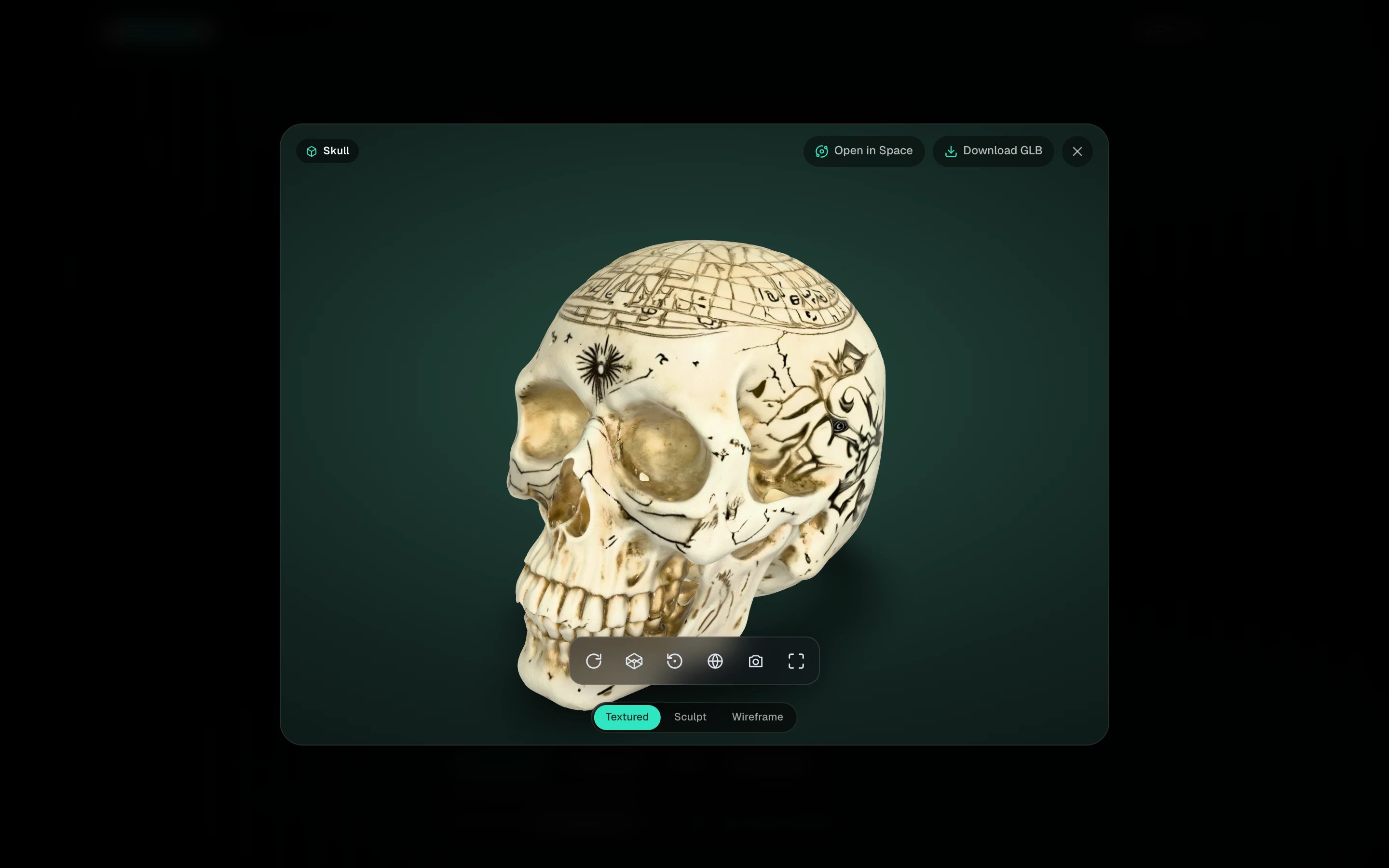 Click any finished card in **My spins** to open it. The 3D file only loads when you open it, so the gallery stays fast.
## Move around
| Do this | To |
| ----------------------------- | ----- |
| Drag | Orbit |
| Right-drag, or Shift and drag | Pan |
| Scroll | Zoom |
The small toolbar under the model has **Auto-rotate**, **Wireframe**, **Reset view**, **Background**, **Screenshot** and **Fullscreen**.
## Look at the mesh
Three pills at the bottom switch what you see.
Click any finished card in **My spins** to open it. The 3D file only loads when you open it, so the gallery stays fast.
## Move around
| Do this | To |
| ----------------------------- | ----- |
| Drag | Orbit |
| Right-drag, or Shift and drag | Pan |
| Scroll | Zoom |
The small toolbar under the model has **Auto-rotate**, **Wireframe**, **Reset view**, **Background**, **Screenshot** and **Fullscreen**.
## Look at the mesh
Three pills at the bottom switch what you see.
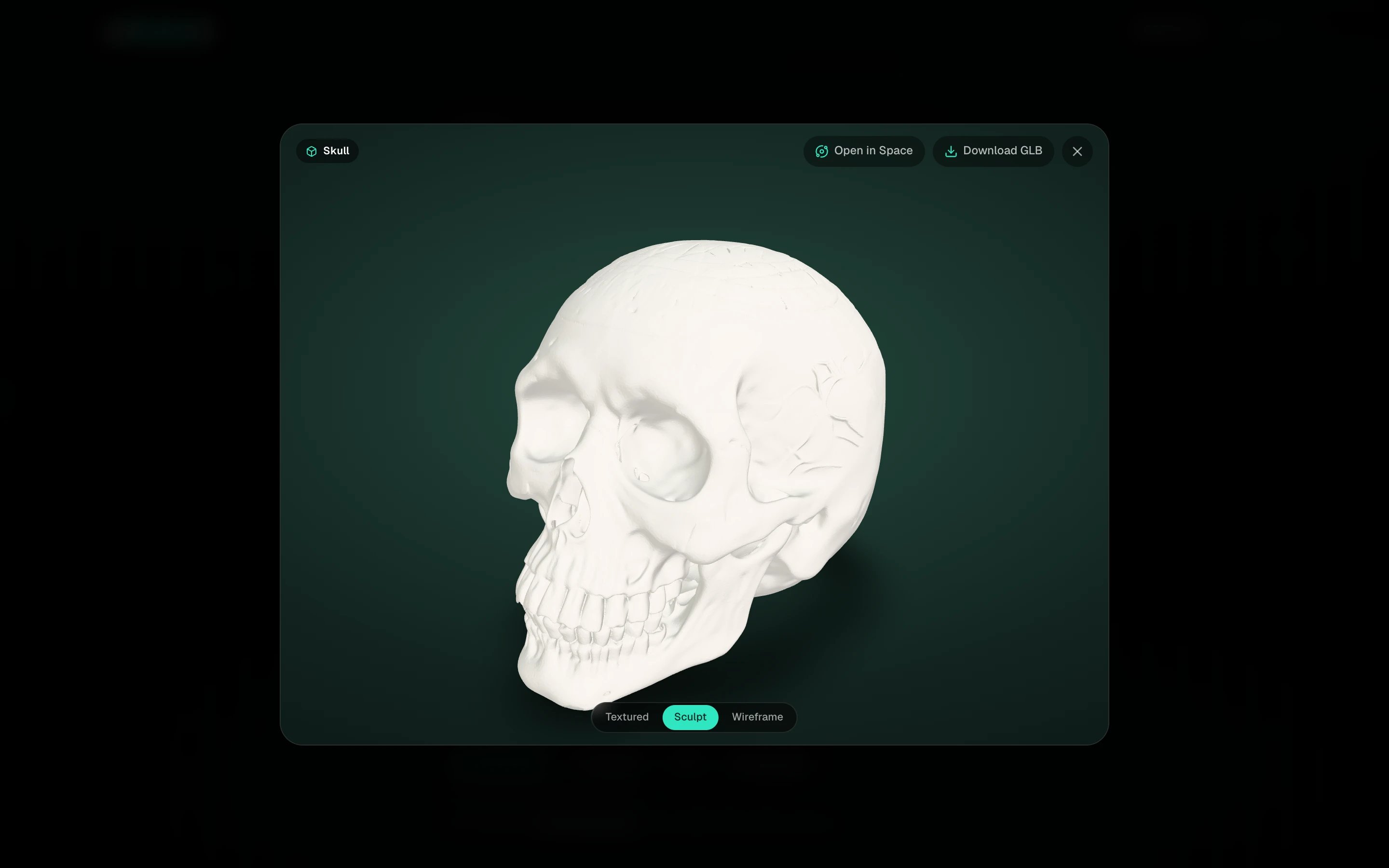 * **Textured**, the finished model with its materials.
* **Sculpt**, the bare surface in clay, to judge the shape without the texture flattering it.
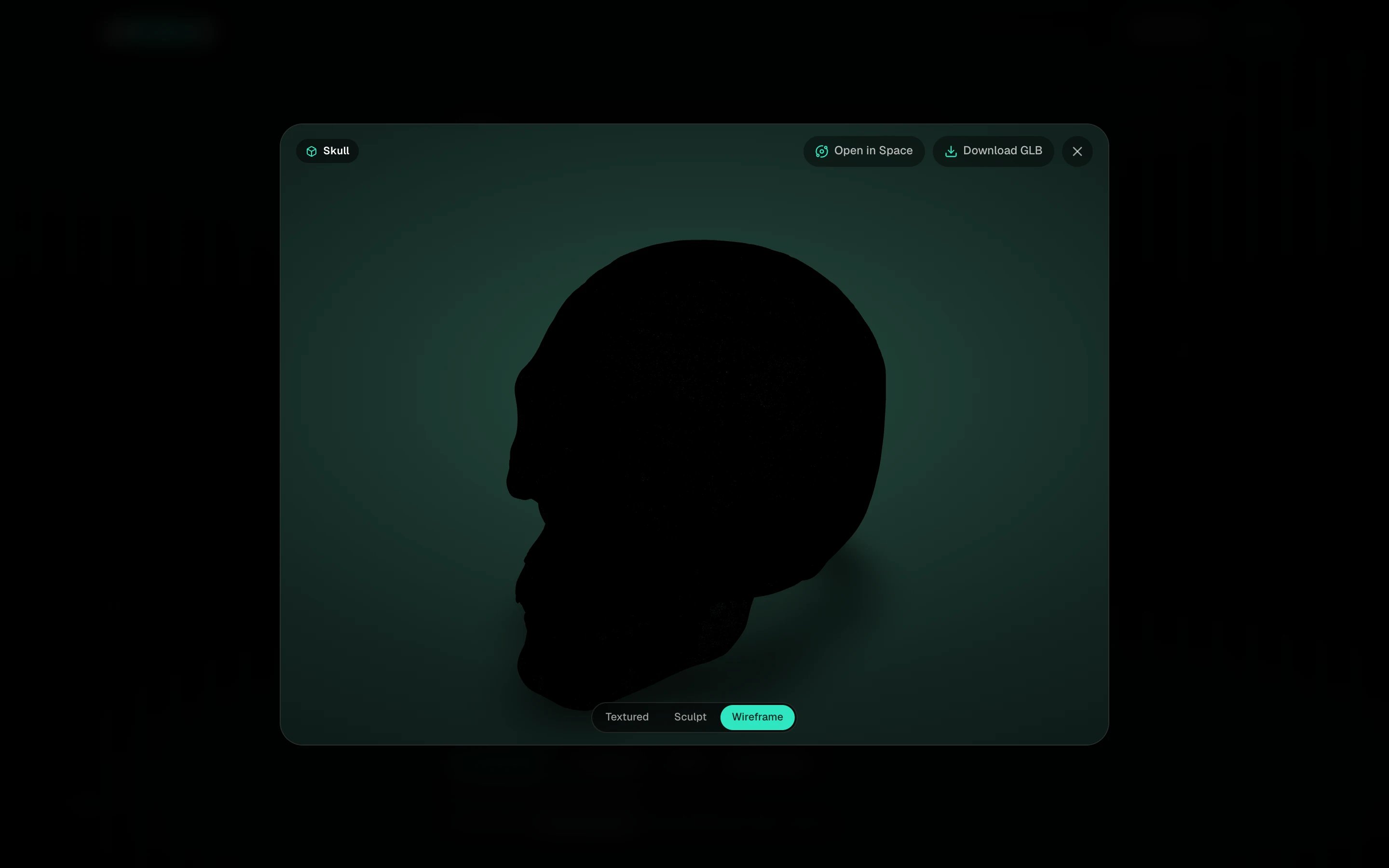
* **Wireframe**, the actual topology. This is where a Max clone or a retopologized model shows its clean quads.
* **Textured**, the finished model with its materials.
* **Sculpt**, the bare surface in clay, to judge the shape without the texture flattering it.
* **Wireframe**, the actual topology. This is where a Max clone or a retopologized model shows its clean quads.
 ## Actions
The top row has **Open in Space**, **Download GLB** and, on your own models, **Get STL** for 3D printing. The thumbnail on the left is the input the model was made from; click it to enlarge.
Wireframe on a Fast clone looks dense. That is expected, it is a high-poly reconstruction. Open it in Space and run [Clean quad topology](/space/clean-quad-topology) if you need editable topology.
## Actions
The top row has **Open in Space**, **Download GLB** and, on your own models, **Get STL** for 3D printing. The thumbnail on the left is the input the model was made from; click it to enlarge.
Wireframe on a Fast clone looks dense. That is expected, it is a high-poly reconstruction. Open it in Space and run [Clean quad topology](/space/clean-quad-topology) if you need editable topology.