> ## Documentation Index
> Fetch the complete documentation index at: https://help.unrealizex.com/llms.txt
> Use this file to discover all available pages before exploring further.
# Print export (STL)
> Get a printable file from any of your models
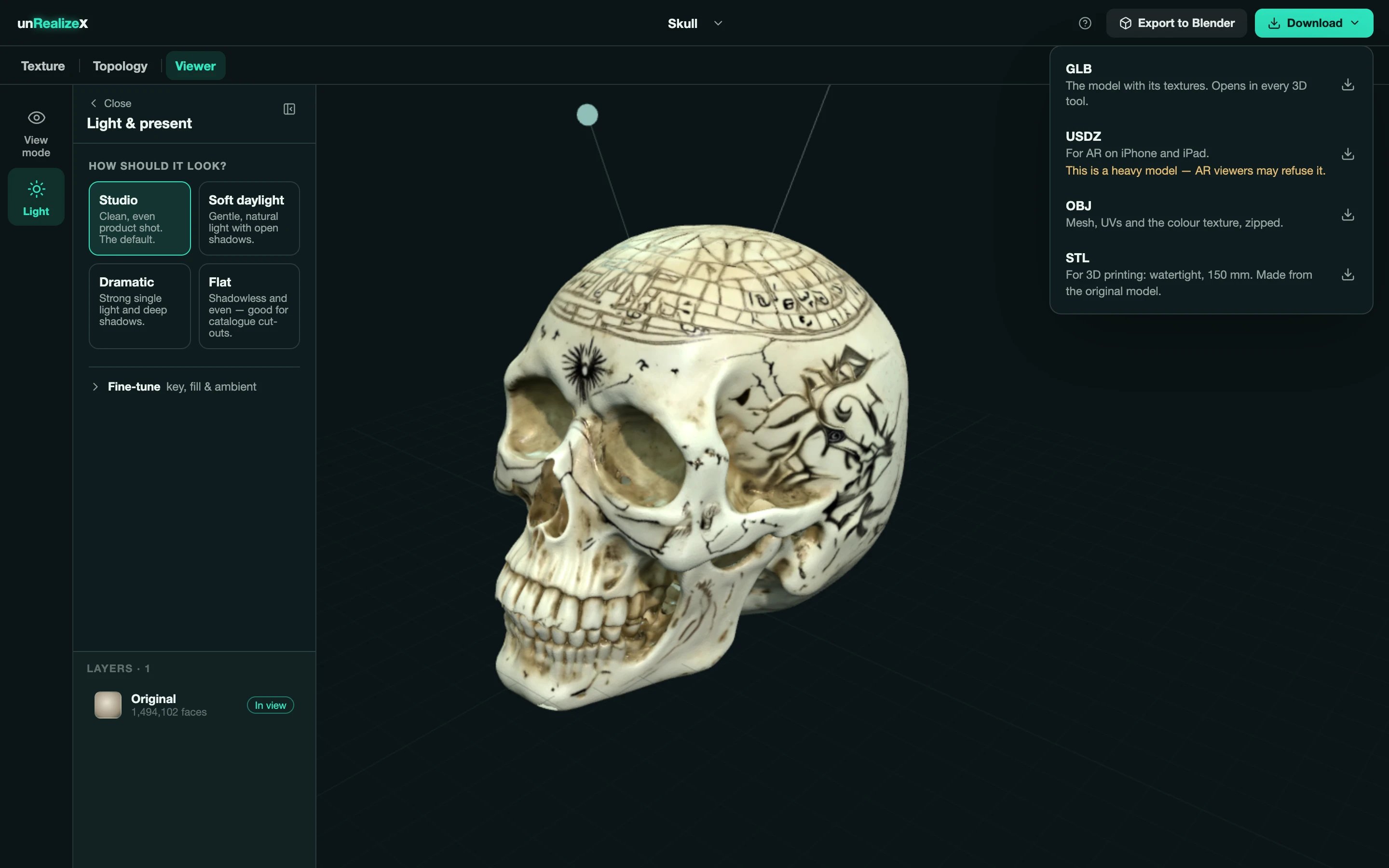
An STL is what slicers and print services take. UnrealizeX makes one from the **original** model, closes it so it is watertight, and scales it to **150 mm** on its longest side.
## From the viewer
Open one of your models and click **Get STL** in the top row. If the model has walls too thin to print at that size, you are told so before the download.
## From Space
Open the **Download** menu and pick **STL**.
 Need a different size? Scale it in your slicer. The 150 mm export keeps the proportions, so scaling stays true to the object.