> ## Documentation Index
> Fetch the complete documentation index at: https://help.unrealizex.com/llms.txt
> Use this file to discover all available pages before exploring further.
# View modes
> See the model as clay, wireframe, or a single texture channel
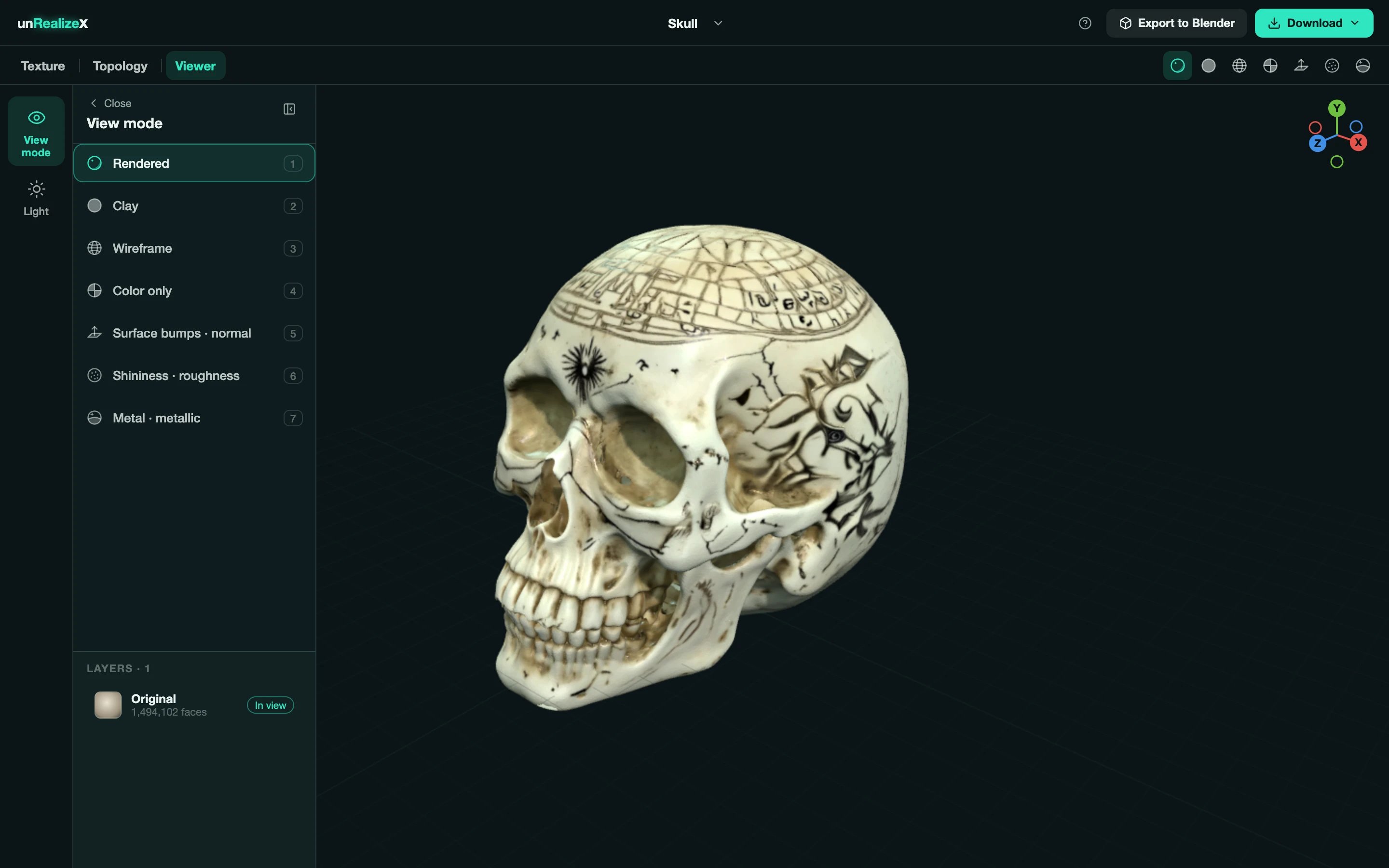 Open **Viewer → View mode**, use the strip at the top right, or press the number keys.
| Key | Mode | What it shows |
| ----- | ---------------------- | ----------------------------------------- |
| **1** | Rendered | The finished model with lighting |
| **2** | Clay | Bare shape, no texture, to judge the form |
| **3** | Wireframe | The actual topology |
| **4** | Color only | The colour texture without lighting |
| **5** | Surface bumps · normal | The normal map |
| **6** | Shininess · roughness | The roughness map |
| **7** | Metal · metallic | The metallic map |
Open **Viewer → View mode**, use the strip at the top right, or press the number keys.
| Key | Mode | What it shows |
| ----- | ---------------------- | ----------------------------------------- |
| **1** | Rendered | The finished model with lighting |
| **2** | Clay | Bare shape, no texture, to judge the form |
| **3** | Wireframe | The actual topology |
| **4** | Color only | The colour texture without lighting |
| **5** | Surface bumps · normal | The normal map |
| **6** | Shininess · roughness | The roughness map |
| **7** | Metal · metallic | The metallic map |
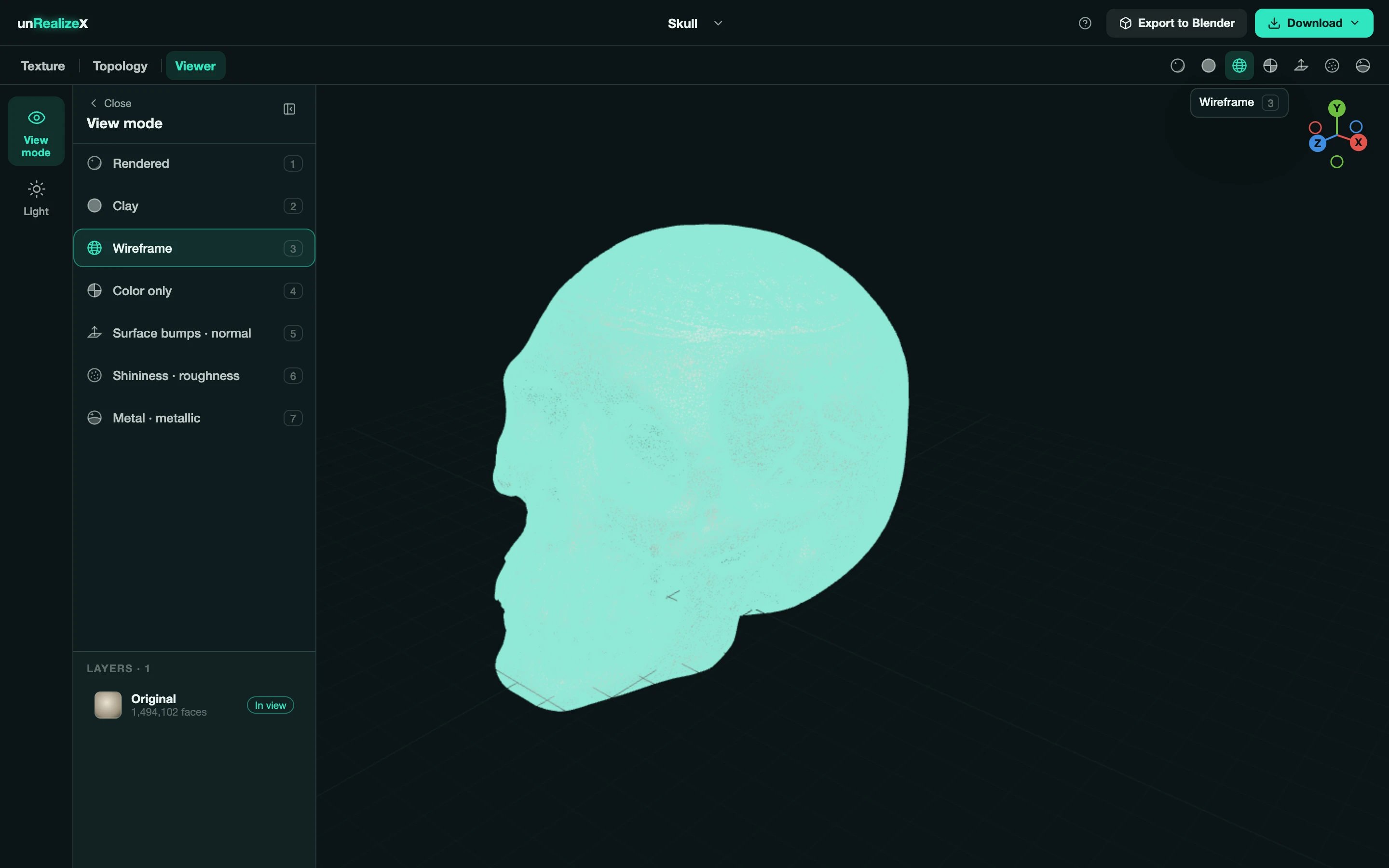
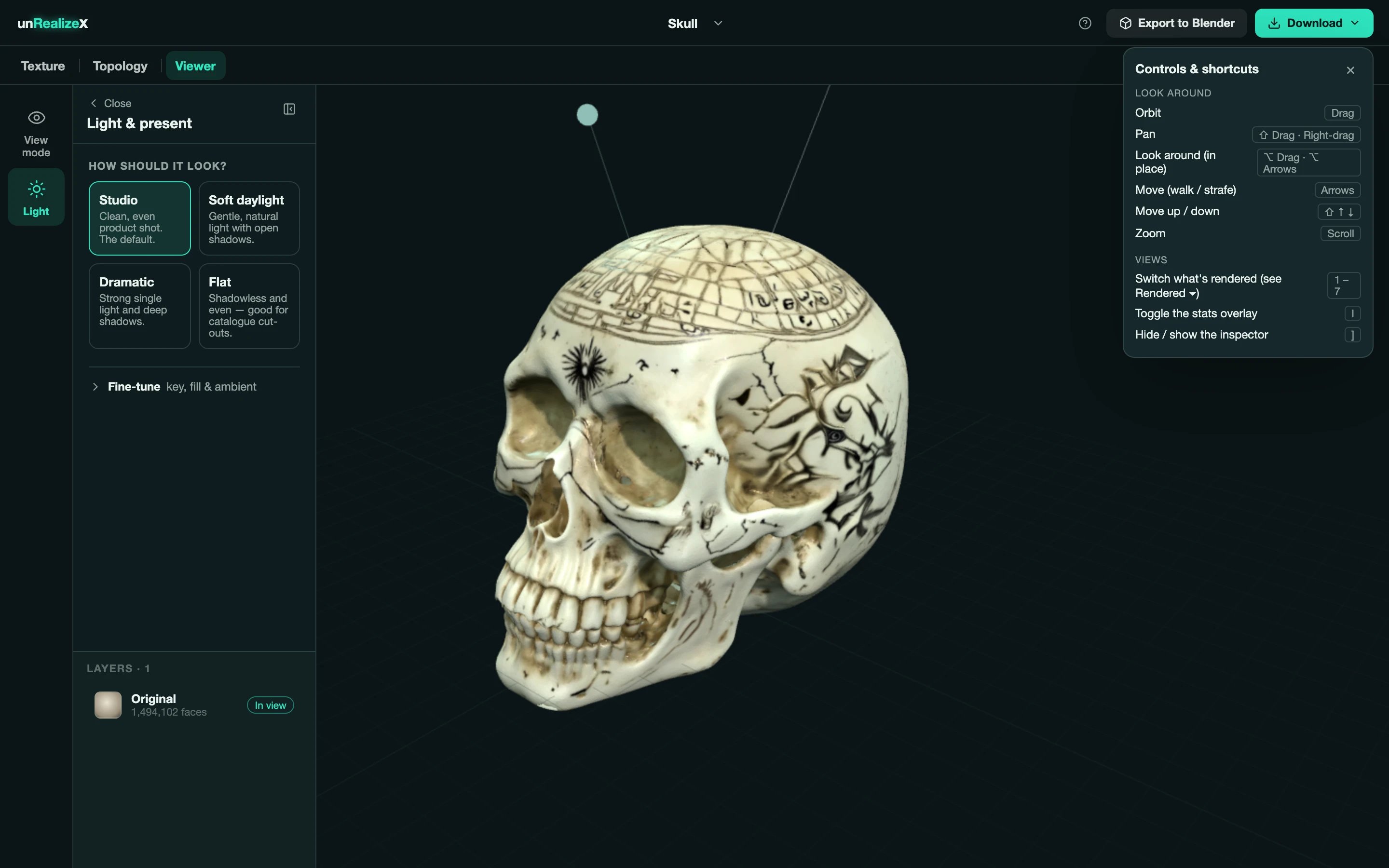 Wireframe is the honest view. A dense, triangulated mesh means a Fast clone or a One-shot; even quads mean a Max clone or a retopologized layer. The **I** key toggles a stats overlay with the triangle count.