> ## Documentation Index
> Fetch the complete documentation index at: https://help.unrealizex.com/llms.txt
> Use this file to discover all available pages before exploring further.
# Light and present
> Studio lighting presets for a clean screenshot or turntable
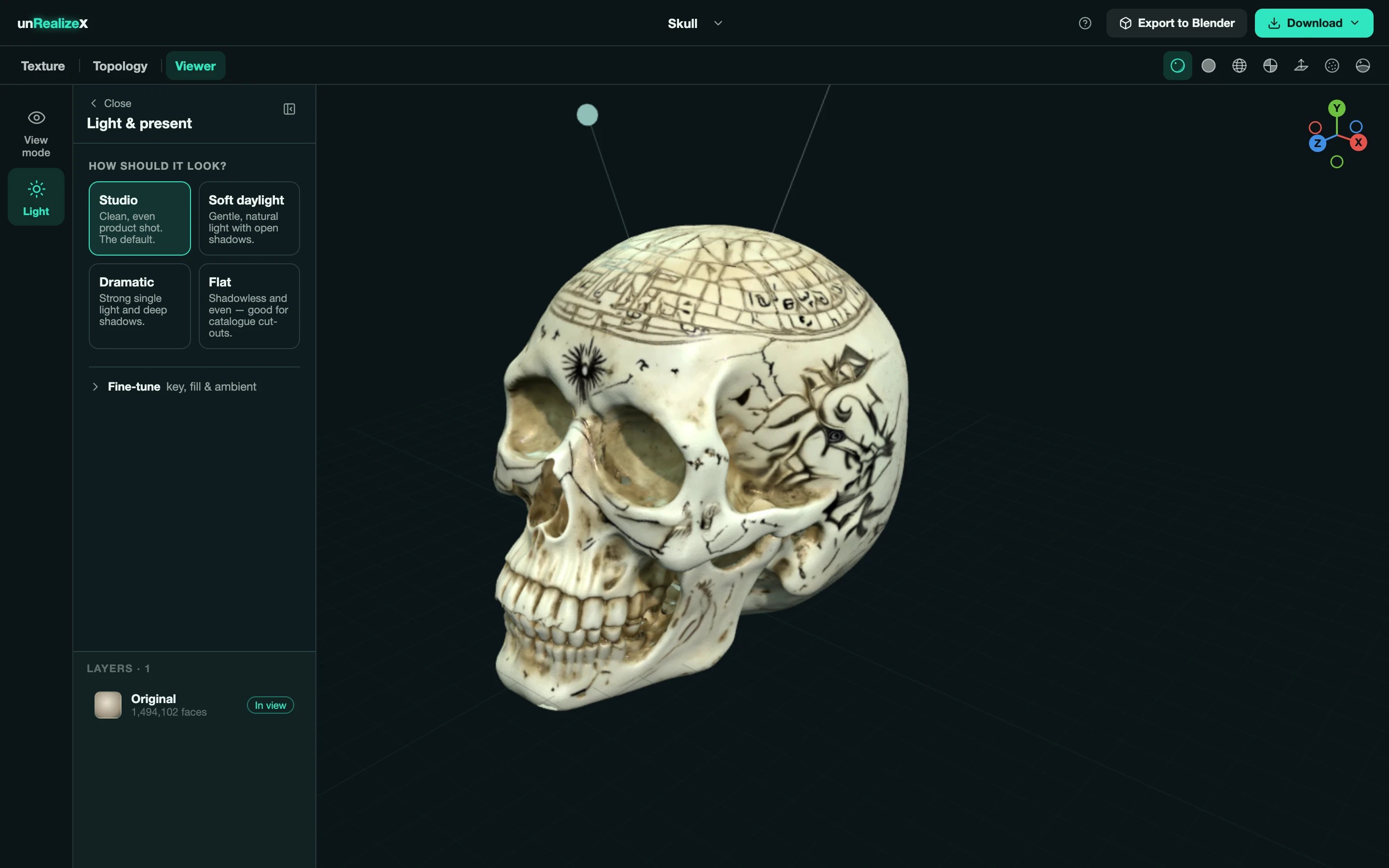 Open **Viewer → Light**. It is free and instant, and it does not change the model, only how it is lit.
## Presets
* **Studio**: clean, even product shot. The default.
* **Soft daylight**: gentle, natural light with open shadows.
* **Dramatic**: a strong single light and deep shadows.
* **Flat**: shadowless and even, good for catalogue cut-outs.
## Fine-tune
Expand **Fine-tune** for the **key**, **fill** and **ambient** lights. The handles above the model show where the key light is; drag them to move it.
Set the light, pick a view with the gizmo, then use your system screenshot. For a turntable video, publish the model and use **Share video** on its page.
Open **Viewer → Light**. It is free and instant, and it does not change the model, only how it is lit.
## Presets
* **Studio**: clean, even product shot. The default.
* **Soft daylight**: gentle, natural light with open shadows.
* **Dramatic**: a strong single light and deep shadows.
* **Flat**: shadowless and even, good for catalogue cut-outs.
## Fine-tune
Expand **Fine-tune** for the **key**, **fill** and **ambient** lights. The handles above the model show where the key light is; drag them to move it.
Set the light, pick a view with the gizmo, then use your system screenshot. For a turntable video, publish the model and use **Share video** on its page.