> ## Documentation Index
> Fetch the complete documentation index at: https://help.unrealizex.com/llms.txt
> Use this file to discover all available pages before exploring further.
# Clean quad topology
> Rebuild any model as tidy quads for game engines, rigging and hand editing
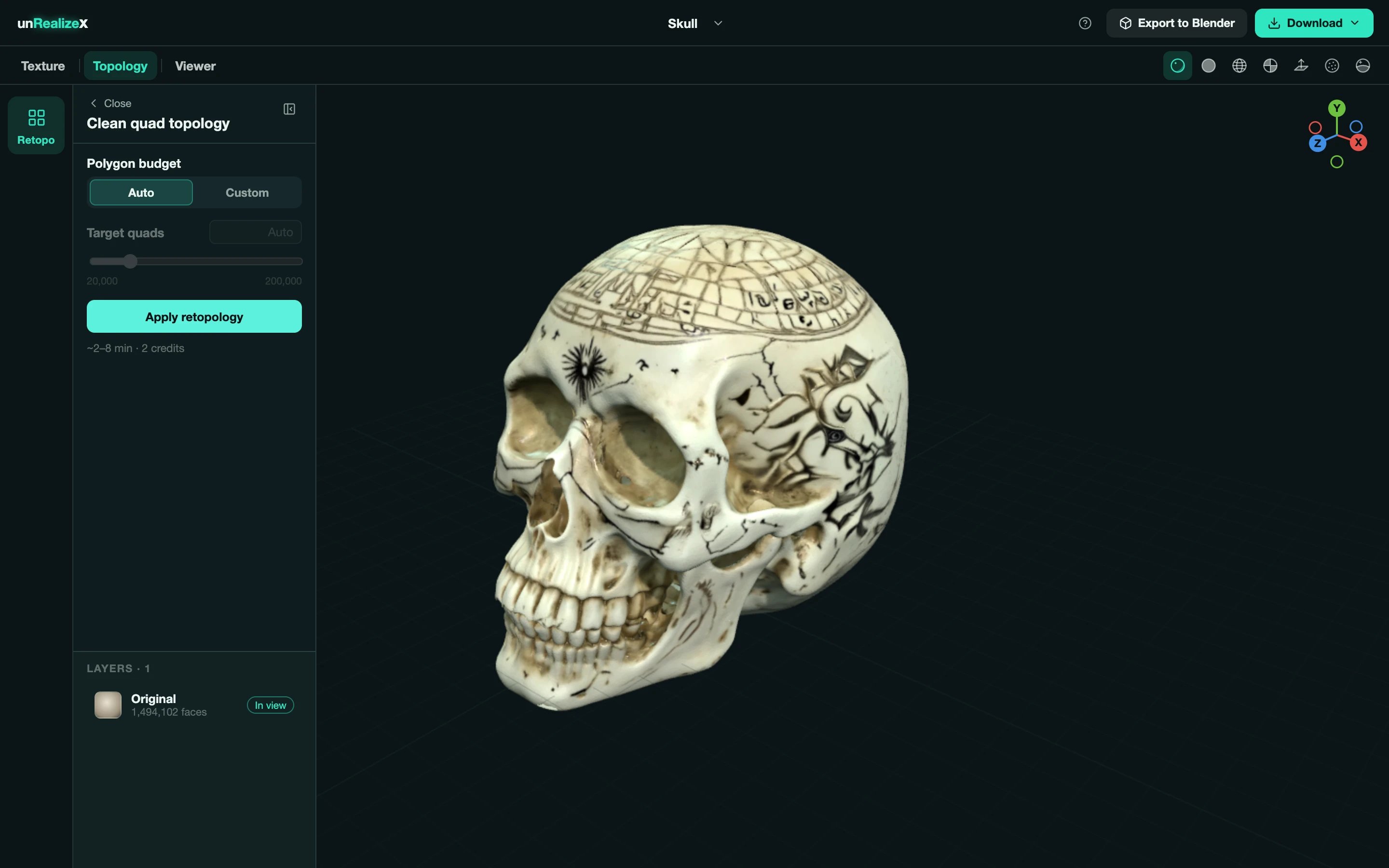 A reconstructed or generated mesh is dense and triangulated. **Retopo** rebuilds it as clean quads with the textures baked on, and saves the result as a new layer beside your Original.
About 2 to 8 minutes, 2 credits. A Max clone already has clean quads, so this is mainly for Fast clones and One-shot models.
**Open in Space** from its card or from the viewer.
Click the **Topology** tab, then the **Retopo** tile. The panel is called **Clean quad topology**.
**Auto** chooses a sensible count for the model. **Custom** unlocks the **Target quads** slider, from 20,000 to 200,000.
A reconstructed or generated mesh is dense and triangulated. **Retopo** rebuilds it as clean quads with the textures baked on, and saves the result as a new layer beside your Original.
About 2 to 8 minutes, 2 credits. A Max clone already has clean quads, so this is mainly for Fast clones and One-shot models.
**Open in Space** from its card or from the viewer.
Click the **Topology** tab, then the **Retopo** tile. The panel is called **Clean quad topology**.
**Auto** chooses a sensible count for the model. **Custom** unlocks the **Target quads** slider, from 20,000 to 200,000.
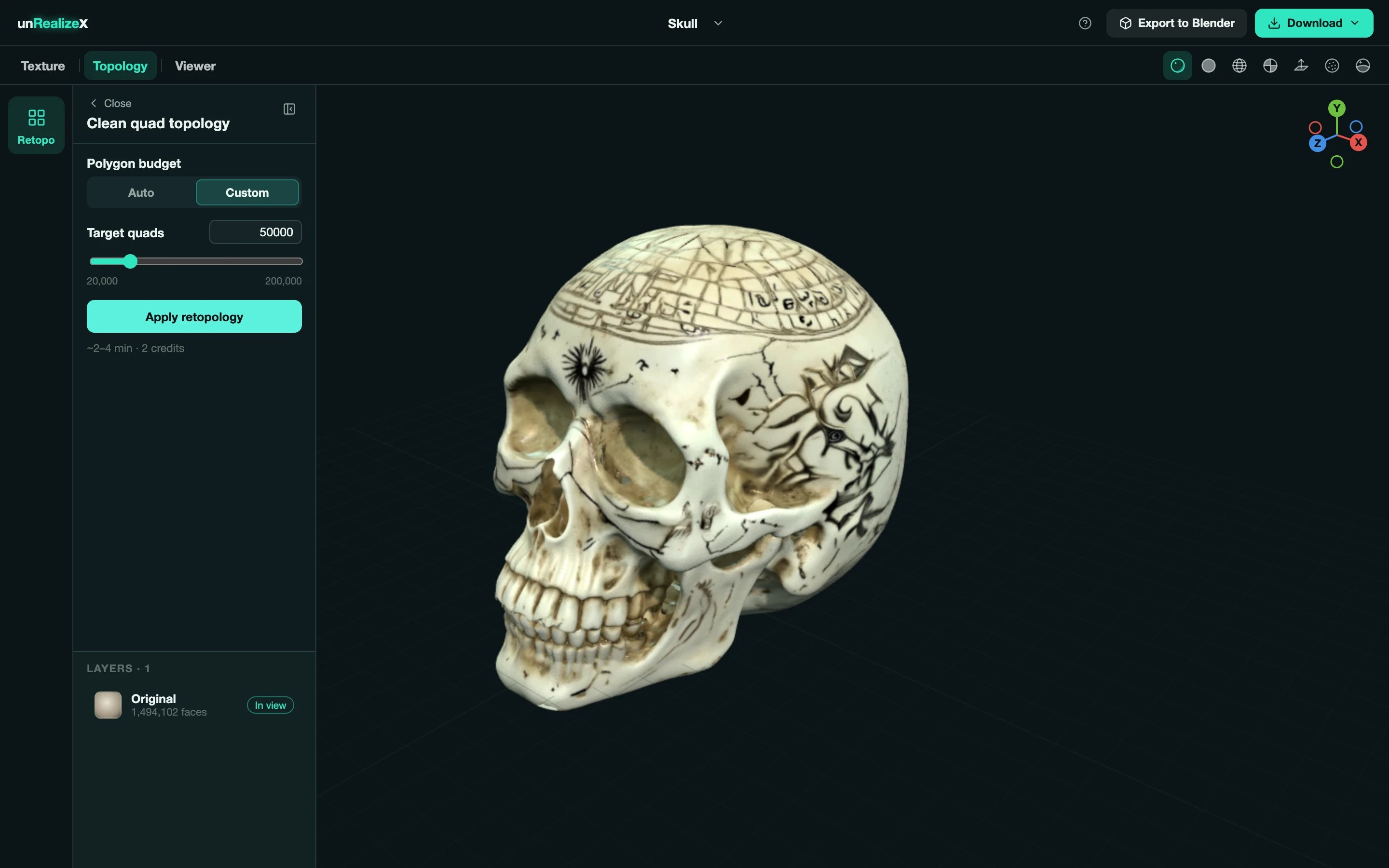 The status line shows **Queued**, **Processing**, then **Finishing**. You can keep orbiting, or leave Space; it runs on the server.
The result appears in **Layers**. Switch between it and the Original, and use the **Wireframe** view to see the quads.
Lower counts are lighter and easier to edit; higher counts keep more shape. For a game prop start with Auto. For a hero asset or something you will sculpt on, go Custom and higher.
Yes. A new run replaces the previous clean-quad layer; the Original is never touched.
It is baked onto the new mesh. The **OBJ** download of a retopologized model is the quad mesh with its baked textures, zipped.
The status line shows **Queued**, **Processing**, then **Finishing**. You can keep orbiting, or leave Space; it runs on the server.
The result appears in **Layers**. Switch between it and the Original, and use the **Wireframe** view to see the quads.
Lower counts are lighter and easier to edit; higher counts keep more shape. For a game prop start with Auto. For a hero asset or something you will sculpt on, go Custom and higher.
Yes. A new run replaces the previous clean-quad layer; the Original is never touched.
It is baked onto the new mesh. The **OBJ** download of a retopologized model is the quad mesh with its baked textures, zipped.