> ## Documentation Index
> Fetch the complete documentation index at: https://help.unrealizex.com/llms.txt
> Use this file to discover all available pages before exploring further.
# Quickstart
> Make your first 3D model in about five minutes
You will describe an object, watch it build, and open it in the 3D viewer. It costs 1 credit, and a new account starts with 20. Not signed in yet? See [Your account](/account/your-account).
The [workspace](https://workspace.unrealizex.com) start page opens on **Clone**, which needs photos. For a first model switch to **One-shot** and leave **Prompt** selected in the row below the box.
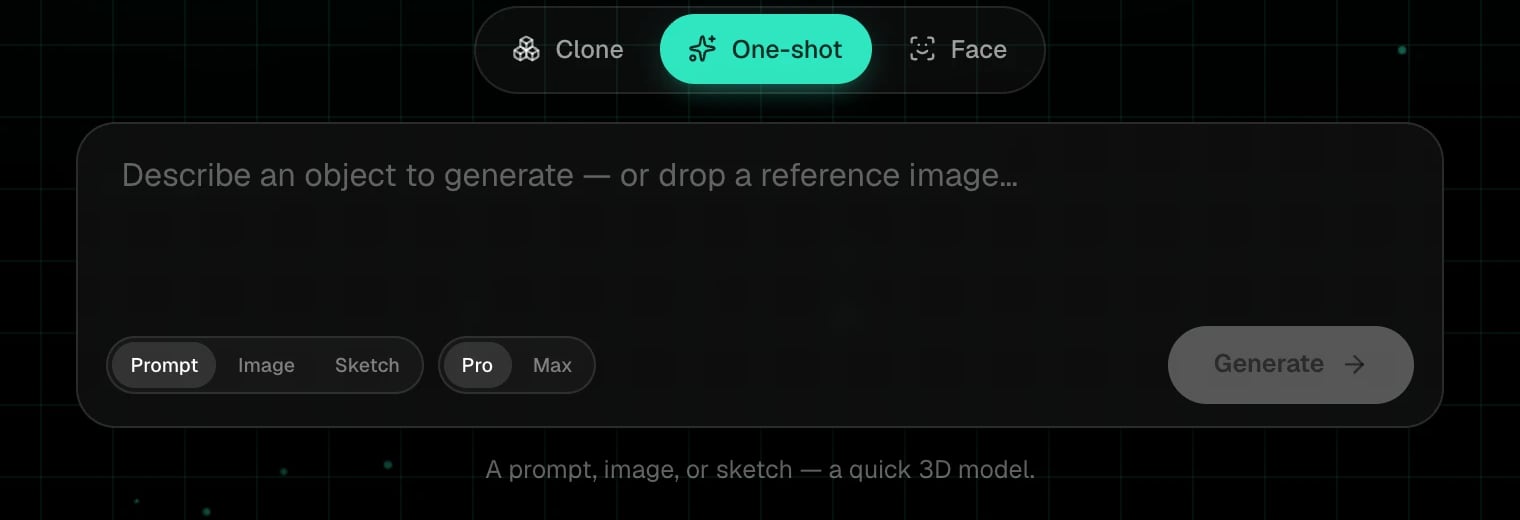 *A weathered brass compass with a hinged lid* works better than *a pirate's desk*. One object per model. Materials, colours and age words help.
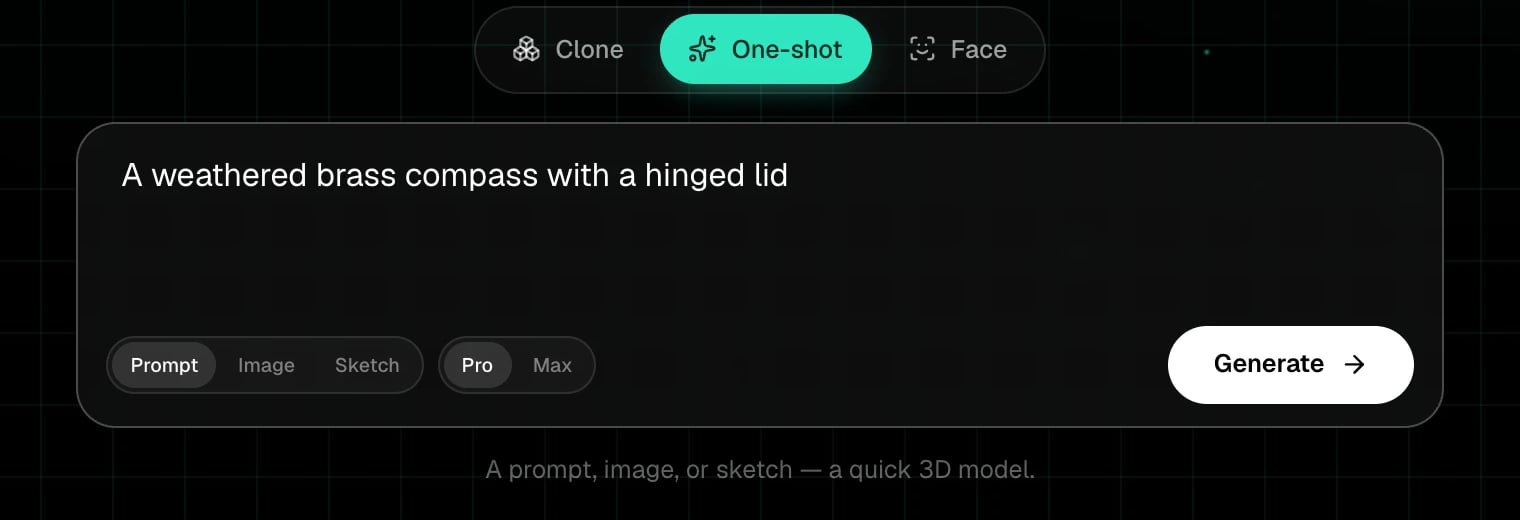 **Pro** is the high-quality, fastest tier. **Max** is slower and pushes fidelity further. Leave Pro selected and click **Generate**.
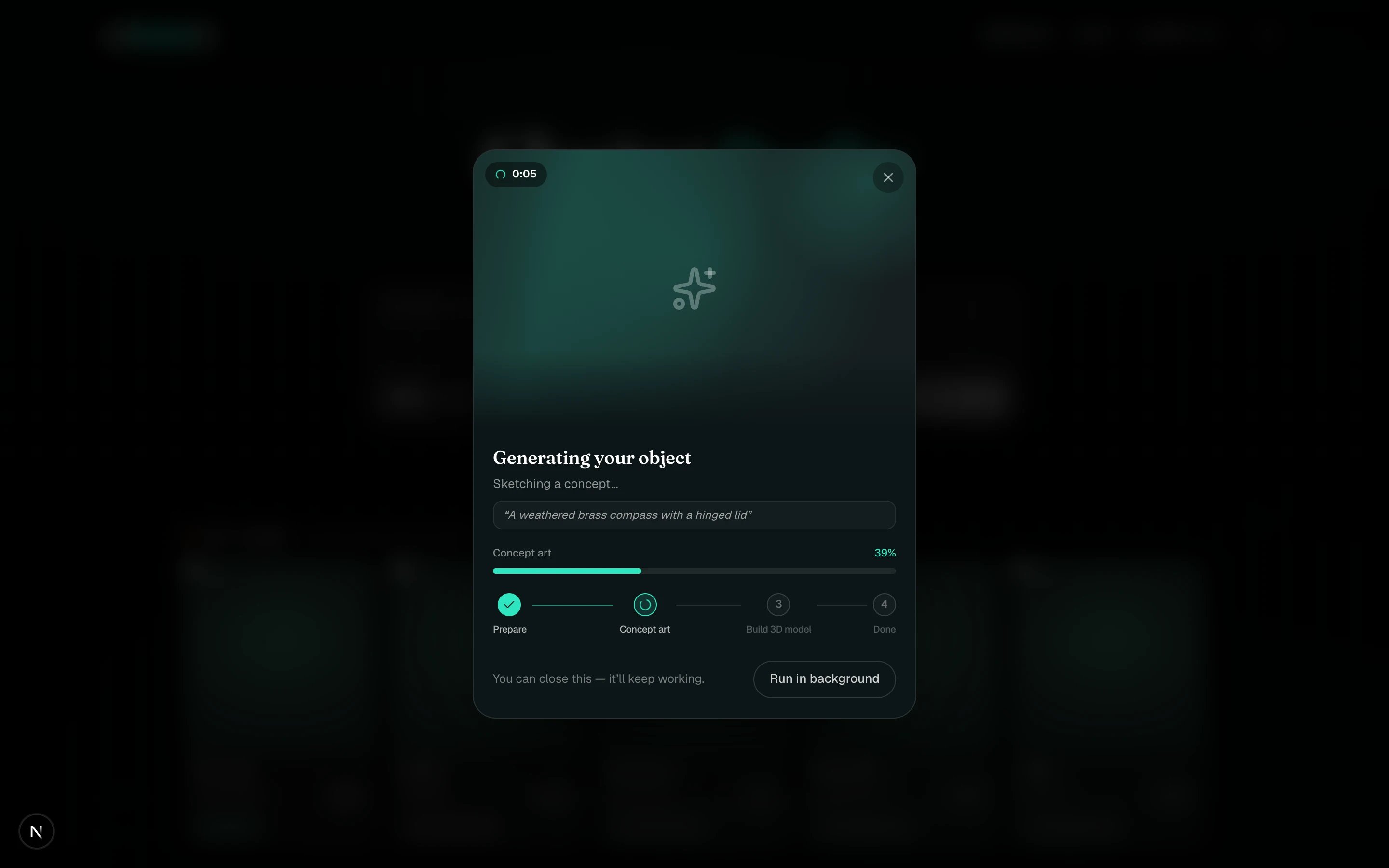
A progress card shows the phases: **Prepare**, **Concept art**, **Build 3D model**, **Done**. You can close it, it keeps working, and the card in **My spins** keeps updating. A One-shot usually takes a few minutes.
**Pro** is the high-quality, fastest tier. **Max** is slower and pushes fidelity further. Leave Pro selected and click **Generate**.
A progress card shows the phases: **Prepare**, **Concept art**, **Build 3D model**, **Done**. You can close it, it keeps working, and the card in **My spins** keeps updating. A One-shot usually takes a few minutes.
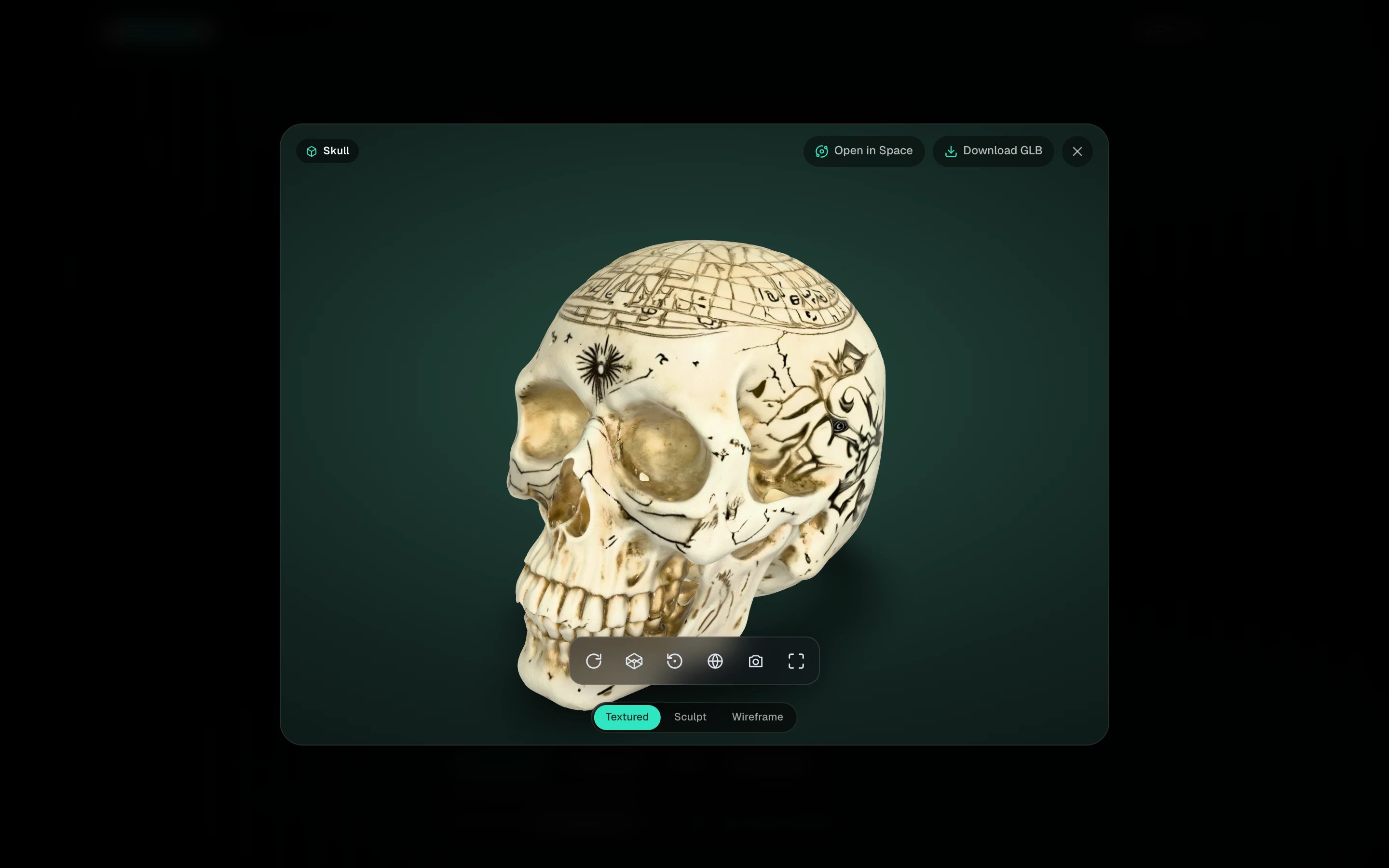
 When the card shows the **3D** badge, click it. Drag to orbit, scroll to zoom, and switch between **Textured**, **Sculpt** and **Wireframe** to inspect the mesh.
 That's it. You have a `.glb` you can [download](/view/download-the-glb), [open in Space](/space/space-basics), [send to Blender](/view/send-to-blender), or [publish](/share/publish-a-spin).
Made something real instead? [Clone from photos](/create/clone-from-photos) builds an exact twin of an object you own. Read [Photo best practices](/create/photo-best-practices) first, it saves credits.
## Next steps
The mode switch, the credits pill, My spins and My Community.
A few angles of a real object in, an exact 3D twin out.
Clean quads, texture repair, view modes and lighting.
What each action costs and how to get more.
That's it. You have a `.glb` you can [download](/view/download-the-glb), [open in Space](/space/space-basics), [send to Blender](/view/send-to-blender), or [publish](/share/publish-a-spin).
Made something real instead? [Clone from photos](/create/clone-from-photos) builds an exact twin of an object you own. Read [Photo best practices](/create/photo-best-practices) first, it saves credits.
## Next steps
The mode switch, the credits pill, My spins and My Community.
A few angles of a real object in, an exact 3D twin out.
Clean quads, texture repair, view modes and lighting.
What each action costs and how to get more.