> ## Documentation Index
> Fetch the complete documentation index at: https://help.unrealizex.com/llms.txt
> Use this file to discover all available pages before exploring further.
# Welcome to UnrealizeX Help
> Multi-view 3D Reconstruction that's not Gen AI
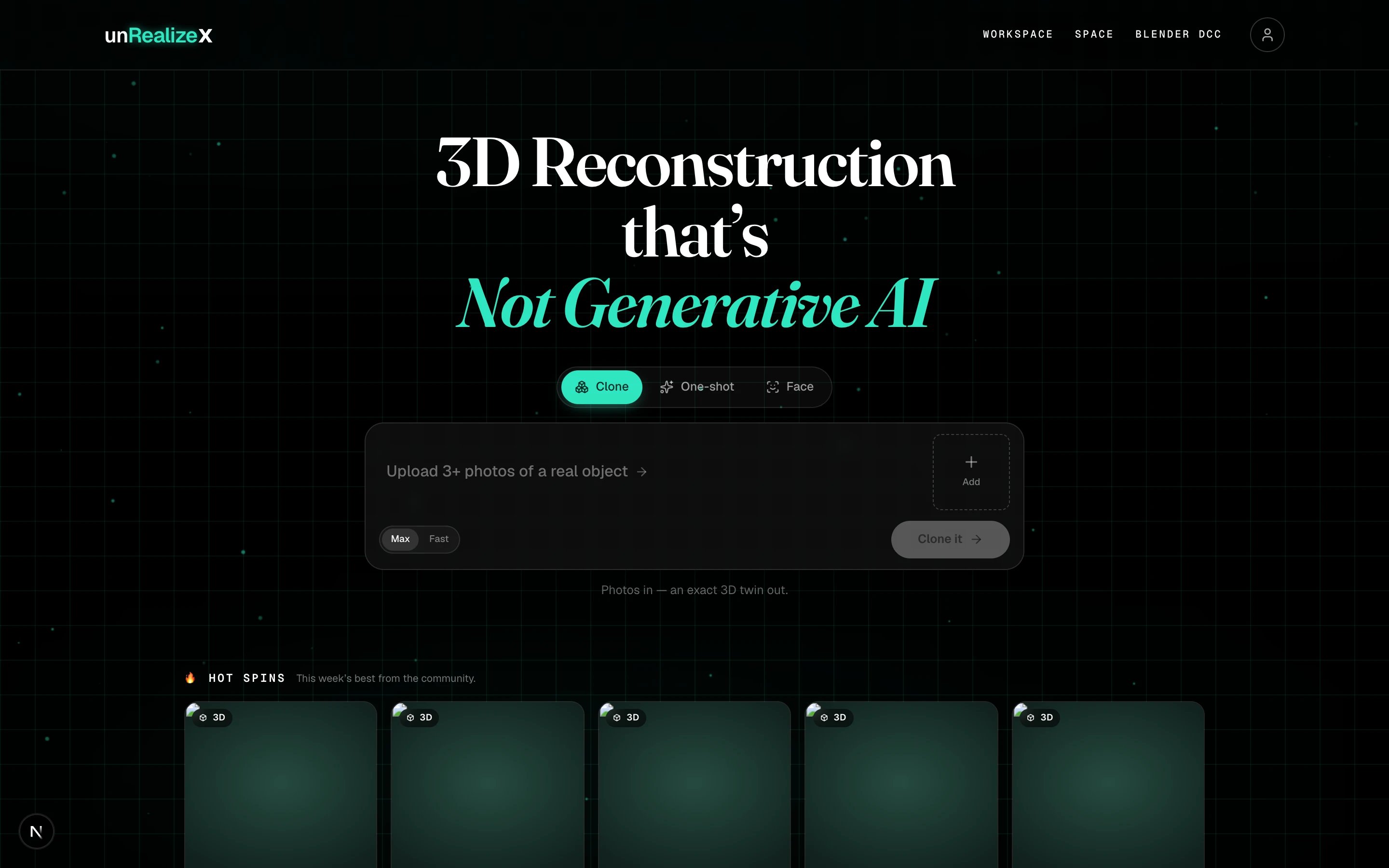 UnrealizeX is a workspace for making 3D models. Give it a few photos of a real object, a text prompt, a reference image or a sketch, and you get back a textured `.glb` model you can view, download, refine in Space, send to Blender, or share with the community.
## Make a model
* **[Clone](/create/clone-from-photos):** Multi-view 3D reconstruction, not Gen AI
* **[One-shot](/create/one-shot-from-a-prompt):** Images and sketches into 3D in under 60 seconds
* **[Face](/create/face-from-a-portrait):** One portrait photo into a textured, rigged 3D head
## Make it production-ready
* **[Retopology](/space/clean-quad-topology):** Clean quad topology with the textures baked on
* **[Texture editing](/space/repair-a-texture-spot):** Paint a spot, then repair it or change it with a prompt
* **[3D printing](/view/print-export-stl):** A watertight STL, ready for your slicer
## How to use this help center
* **Search** the bar at the top for a word from the product: *clone*, *one-shot*, *credits*, *retopo*, *repair*, *Blender*, *not accepted*.
* **Browse** the sidebar from the top down. Getting started is written in order; everything after it stands alone.
Your first 3D model in about five minutes.
Clone, One-shot or Face: what to give each one, and what you get back.
Clean quads, texture repair, view modes and lighting for a finished model.
Drops, updates, and a place to show your work and ask questions.
UnrealizeX is a workspace for making 3D models. Give it a few photos of a real object, a text prompt, a reference image or a sketch, and you get back a textured `.glb` model you can view, download, refine in Space, send to Blender, or share with the community.
## Make a model
* **[Clone](/create/clone-from-photos):** Multi-view 3D reconstruction, not Gen AI
* **[One-shot](/create/one-shot-from-a-prompt):** Images and sketches into 3D in under 60 seconds
* **[Face](/create/face-from-a-portrait):** One portrait photo into a textured, rigged 3D head
## Make it production-ready
* **[Retopology](/space/clean-quad-topology):** Clean quad topology with the textures baked on
* **[Texture editing](/space/repair-a-texture-spot):** Paint a spot, then repair it or change it with a prompt
* **[3D printing](/view/print-export-stl):** A watertight STL, ready for your slicer
## How to use this help center
* **Search** the bar at the top for a word from the product: *clone*, *one-shot*, *credits*, *retopo*, *repair*, *Blender*, *not accepted*.
* **Browse** the sidebar from the top down. Getting started is written in order; everything after it stands alone.
Your first 3D model in about five minutes.
Clone, One-shot or Face: what to give each one, and what you get back.
Clean quads, texture repair, view modes and lighting for a finished model.
Drops, updates, and a place to show your work and ask questions.