> ## Documentation Index
> Fetch the complete documentation index at: https://help.unrealizex.com/llms.txt
> Use this file to discover all available pages before exploring further.
# One-shot from a prompt
> Describe an object in words and get a textured 3D model
 One-shot costs 1 credit on either quality tier and usually takes a few minutes.
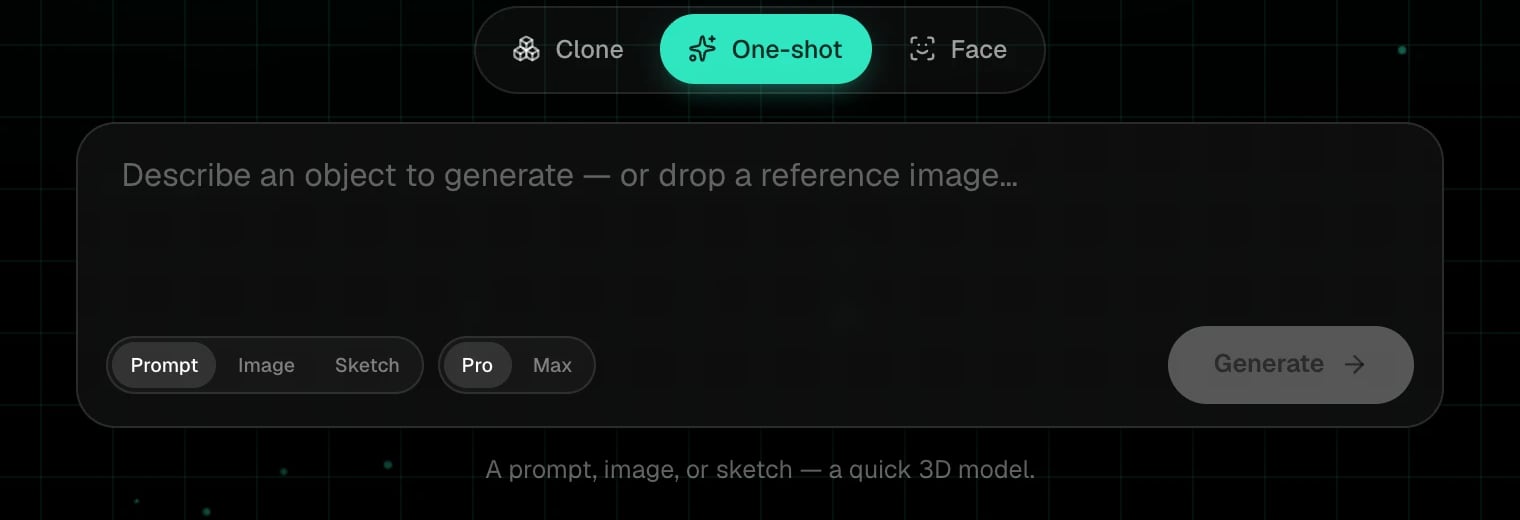
On the start page, choose **One-shot** in the mode switch. Three input types sit under the box: **Prompt**, **Image**, **Sketch**. Keep **Prompt**.
Write what it is, what it's made of, and its condition. *A chipped enamel camping mug, dark green, with a steel rim* is a good prompt. A whole scene is not, you get one object per generation.
One-shot costs 1 credit on either quality tier and usually takes a few minutes.
On the start page, choose **One-shot** in the mode switch. Three input types sit under the box: **Prompt**, **Image**, **Sketch**. Keep **Prompt**.
Write what it is, what it's made of, and its condition. *A chipped enamel camping mug, dark green, with a steel rim* is a good prompt. A whole scene is not, you get one object per generation.
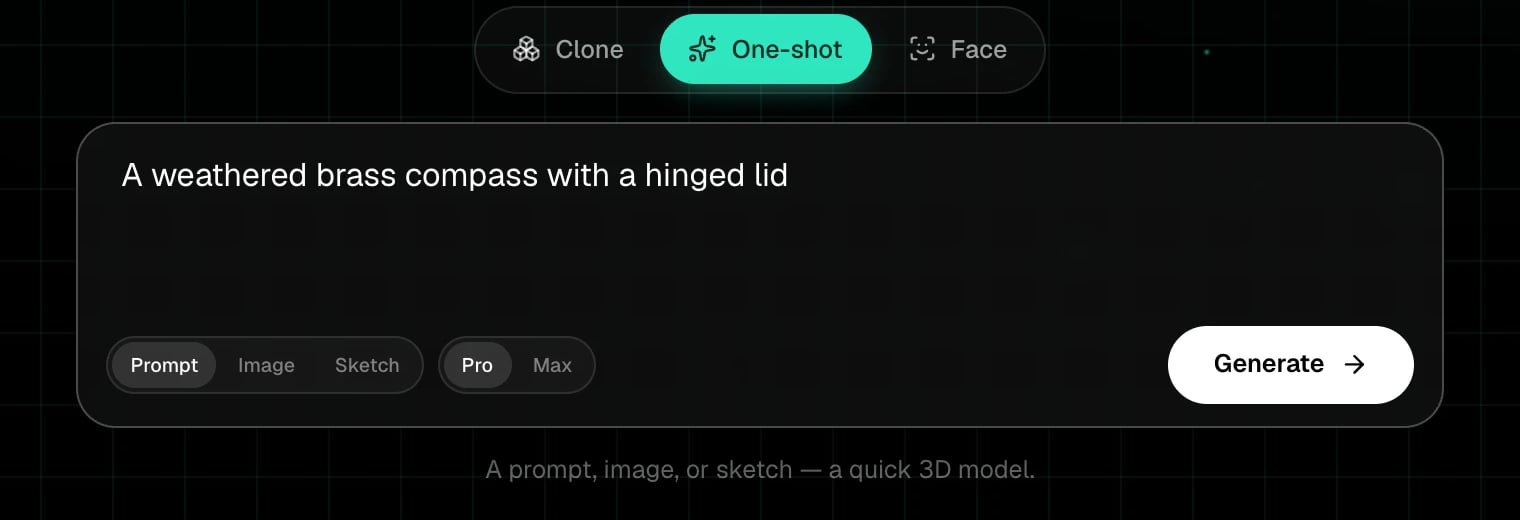 **Pro** is high quality and the fastest. **Max** is the highest quality and slower. Both cost 1 credit.
The phases are **Prepare**, **Concept art**, **Build 3D model**, **Done**. The concept-art step is a 2D picture of your object that the model is then built from.
Dropping or pasting an image while you are in Prompt switches you to the **Image** input automatically. Handy when a reference turns up mid-thought.
Nouns and materials over adjectives. *Cast iron*, *worn leather*, *matte plastic*, *brushed brass* all change the texture. Style words like *low-poly* or *stylised* work too.
Generate again. Each run is a new model and a new credit. Small wording changes go a long way.
## Next steps
Start from a reference picture or a drawing instead.
What each tier changes, per engine.
**Pro** is high quality and the fastest. **Max** is the highest quality and slower. Both cost 1 credit.
The phases are **Prepare**, **Concept art**, **Build 3D model**, **Done**. The concept-art step is a 2D picture of your object that the model is then built from.
Dropping or pasting an image while you are in Prompt switches you to the **Image** input automatically. Handy when a reference turns up mid-thought.
Nouns and materials over adjectives. *Cast iron*, *worn leather*, *matte plastic*, *brushed brass* all change the texture. Style words like *low-poly* or *stylised* work too.
Generate again. Each run is a new model and a new credit. Small wording changes go a long way.
## Next steps
Start from a reference picture or a drawing instead.
What each tier changes, per engine.