> ## Documentation Index
> Fetch the complete documentation index at: https://help.unrealizex.com/llms.txt
> Use this file to discover all available pages before exploring further.
# Clone from photos
> Turn a few photos of a real object into an exact 3D twin
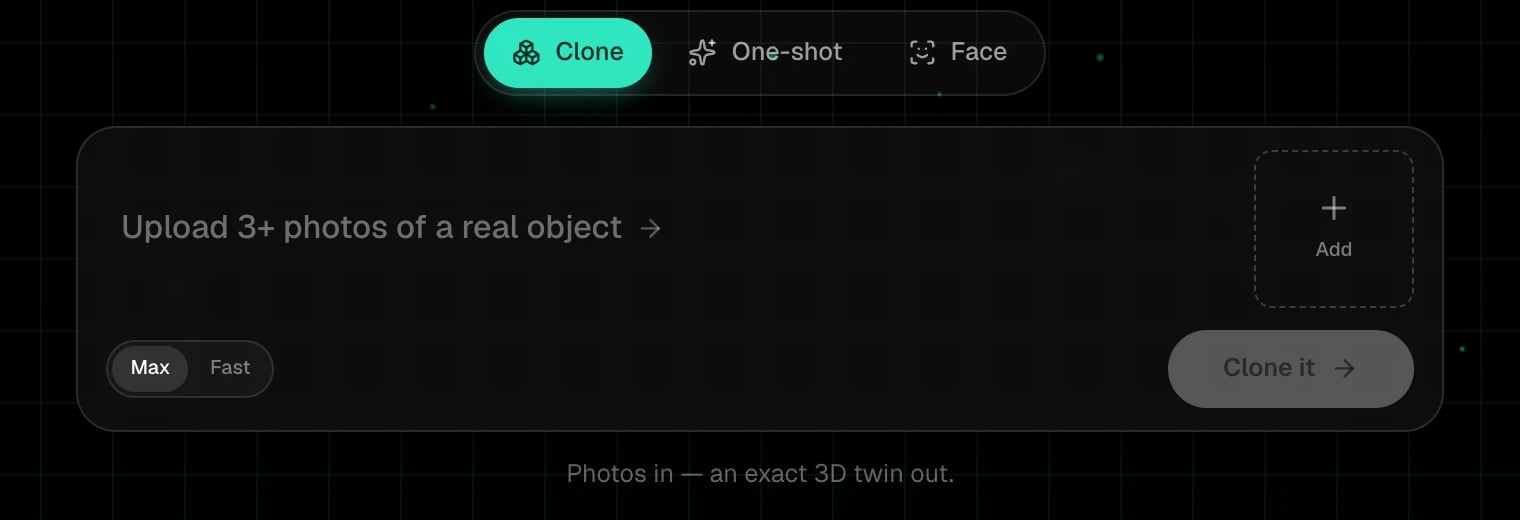 Clone builds a model *from* your photos. If it isn't in the photos, it isn't in the model. That is the point, and it is why the photos matter.
Clone costs 4 credits on **Max** and 3 on **Fast**. Credits come back if the photos are not accepted or the job fails.
On the start page, choose **Clone** in the mode switch. It is the default.
Click **Add** or drop them on the bar. At least 3 photos of **one object**, from different angles, in even light. Three or four good angles beat eight poor ones.
Clone builds a model *from* your photos. If it isn't in the photos, it isn't in the model. That is the point, and it is why the photos matter.
Clone costs 4 credits on **Max** and 3 on **Fast**. Credits come back if the photos are not accepted or the job fails.
On the start page, choose **Clone** in the mode switch. It is the default.
Click **Add** or drop them on the bar. At least 3 photos of **one object**, from different angles, in even light. Three or four good angles beat eight poor ones.
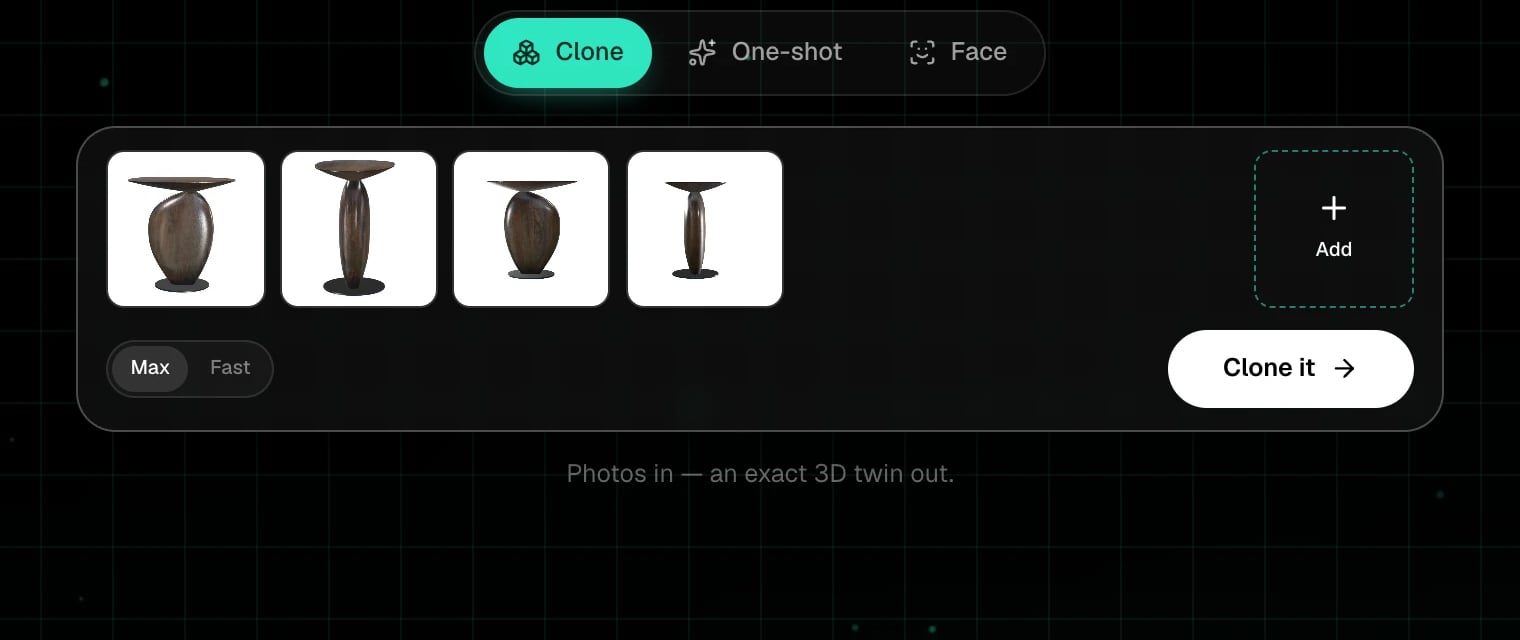 **Max** rebuilds the model as clean quad topology and takes longer. **Fast** returns a high-poly mesh in a few minutes. See [Quality tiers](/create/quality-tiers).
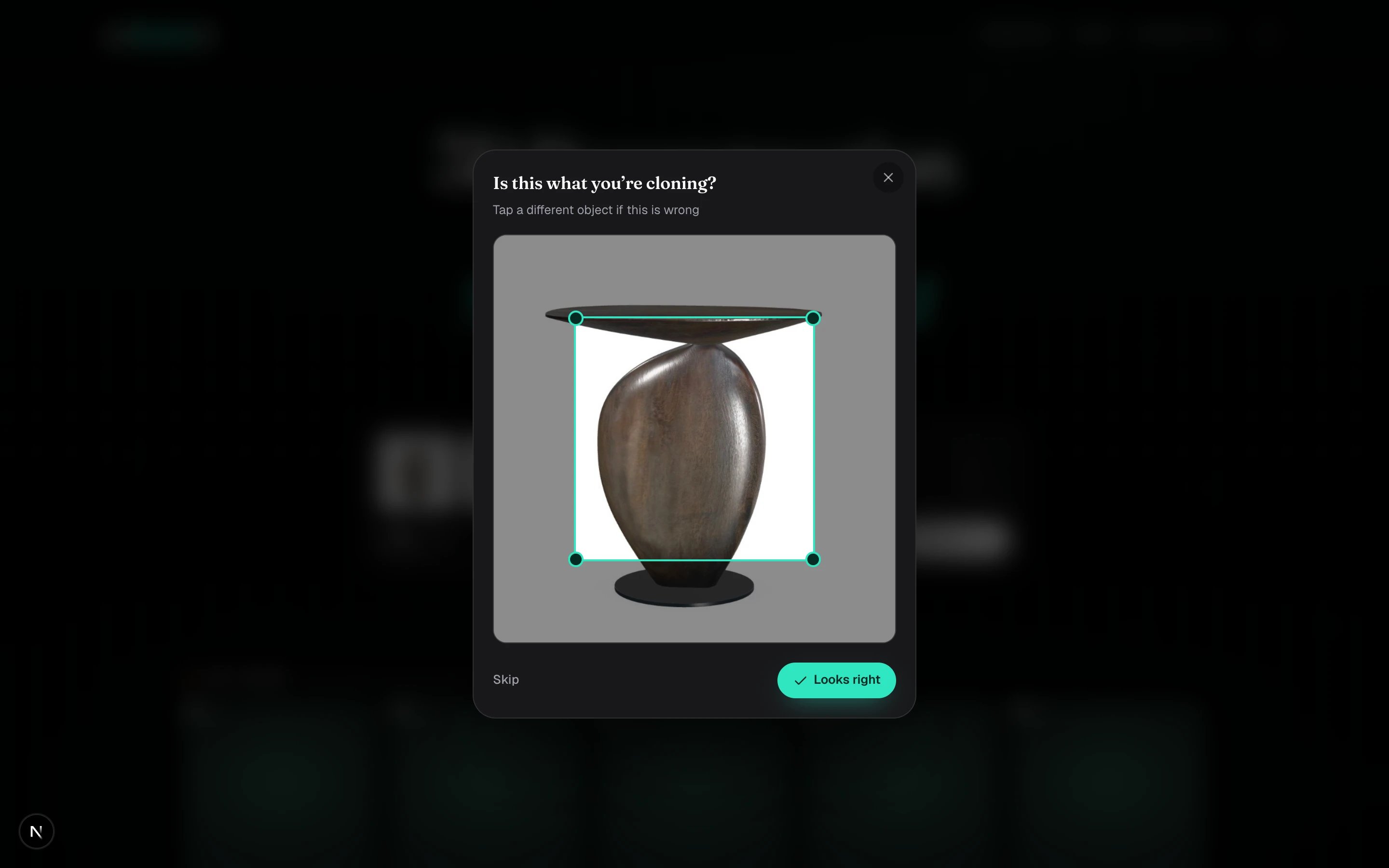
A box appears around the object in your first photo. If it is right, click **Looks right**. If it caught the wrong thing, tap the object you mean, or **Skip**.
**Max** rebuilds the model as clean quad topology and takes longer. **Fast** returns a high-poly mesh in a few minutes. See [Quality tiers](/create/quality-tiers).
A box appears around the object in your first photo. If it is right, click **Looks right**. If it caught the wrong thing, tap the object you mean, or **Skip**.
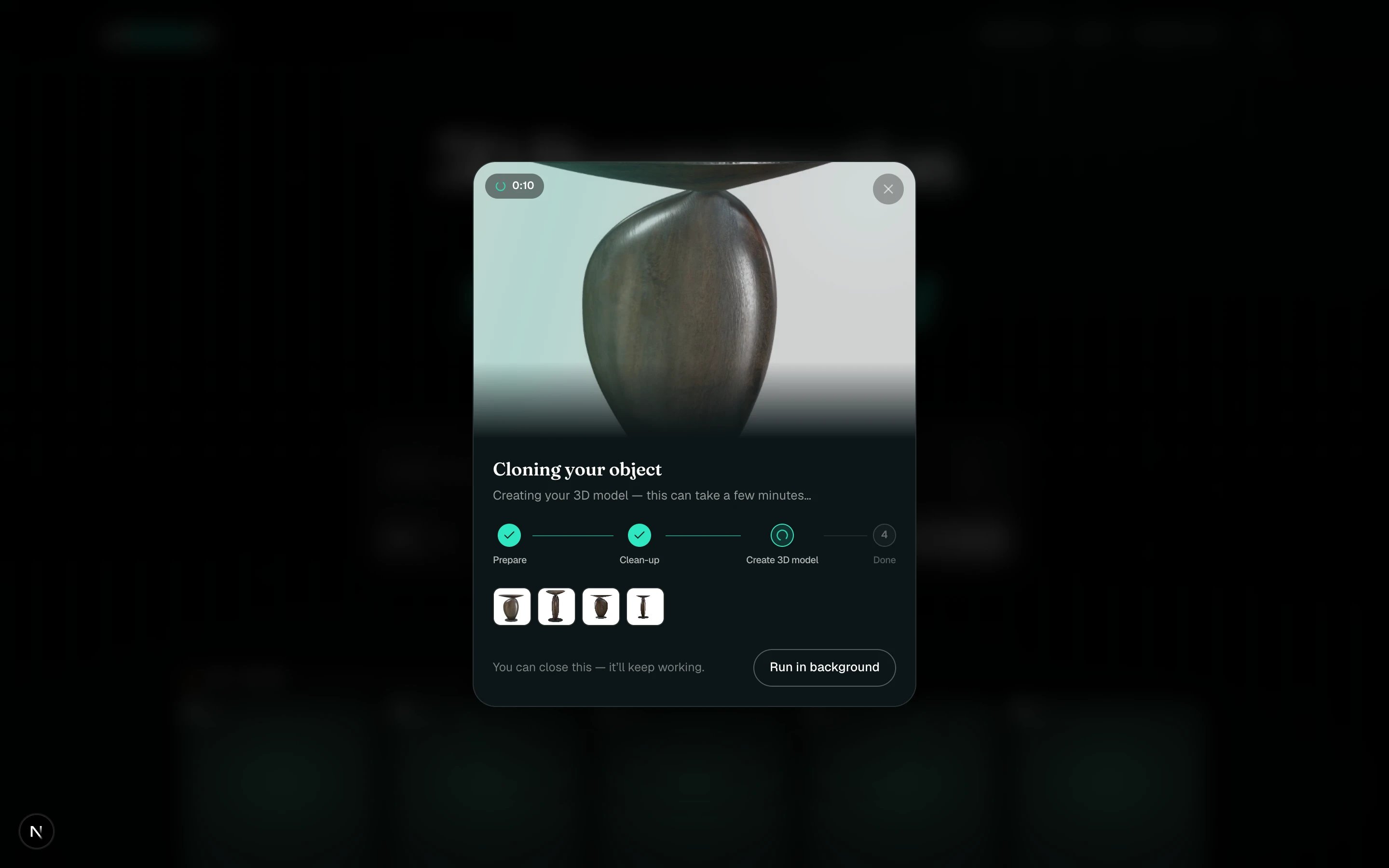
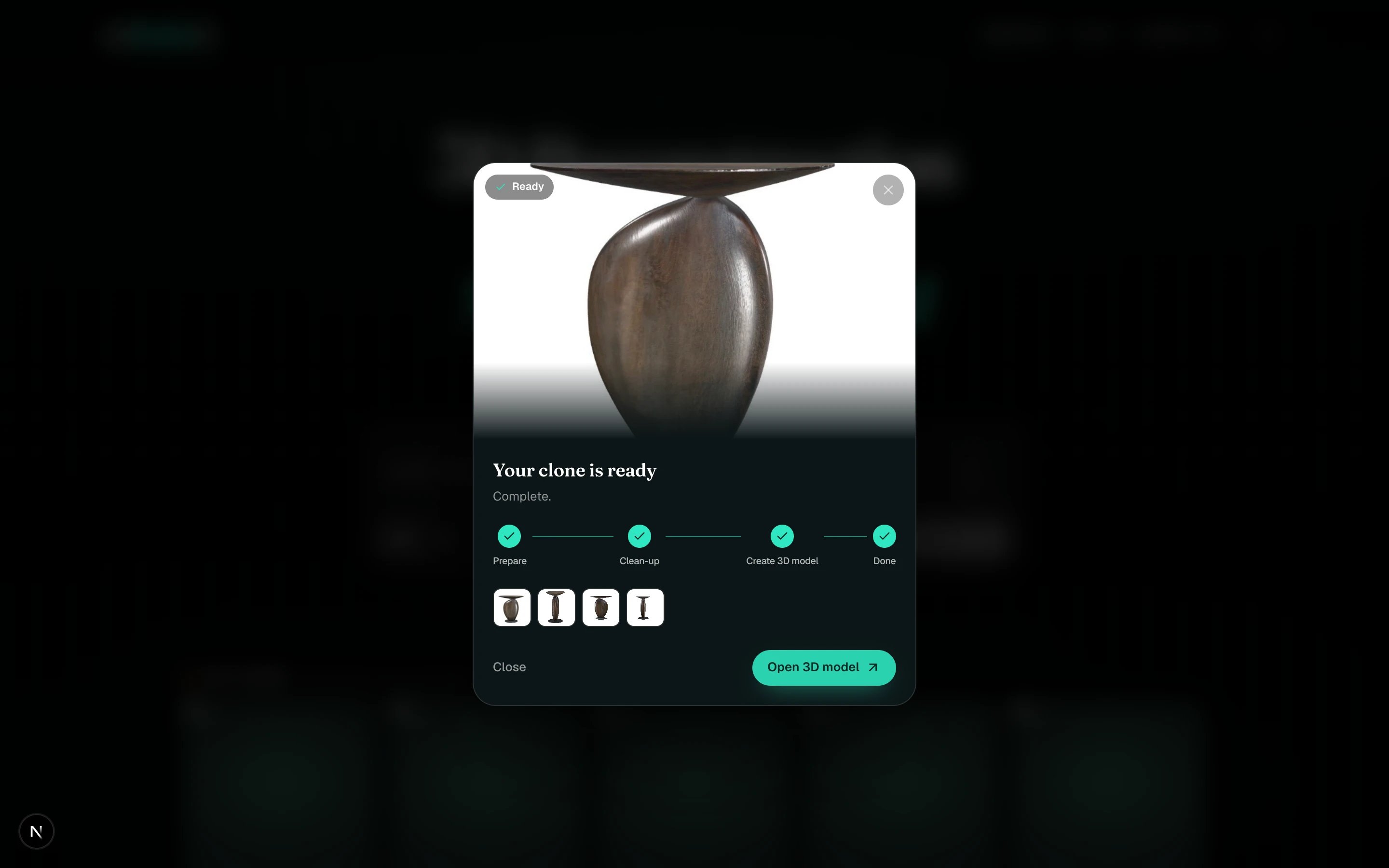
 The progress card shows **Prepare**, **Clean-up**, **Create 3D model**, **Done**, with your photos underneath. Close it any time, it keeps working.
 When the card says **Your clone is ready**, click **Open 3D model**, or click the card in My spins later.
 Rename the card while it processes. Click the name line and type, so the result is not just called "Cloned object".
The photos are checked before the model is built. Sketches, screenshots, blurry shots, and photos of different objects are declined with a reason and the credits come back. See [When an input is not accepted](/create/not-accepted).
The bar asks for at least 3. With a single picture, One-shot with the **Image** input gives a good result for 1 credit.
Less than you'd think. A plain background helps, but a clear, sharp object on a cluttered table still works. Reflections and transparent parts are the hard cases.
## Next steps
What makes a photo set work, and what gets declined.
Turn a Fast clone into game-ready quads later.
Rename the card while it processes. Click the name line and type, so the result is not just called "Cloned object".
The photos are checked before the model is built. Sketches, screenshots, blurry shots, and photos of different objects are declined with a reason and the credits come back. See [When an input is not accepted](/create/not-accepted).
The bar asks for at least 3. With a single picture, One-shot with the **Image** input gives a good result for 1 credit.
Less than you'd think. A plain background helps, but a clear, sharp object on a cluttered table still works. Reflections and transparent parts are the hard cases.
## Next steps
What makes a photo set work, and what gets declined.
Turn a Fast clone into game-ready quads later.